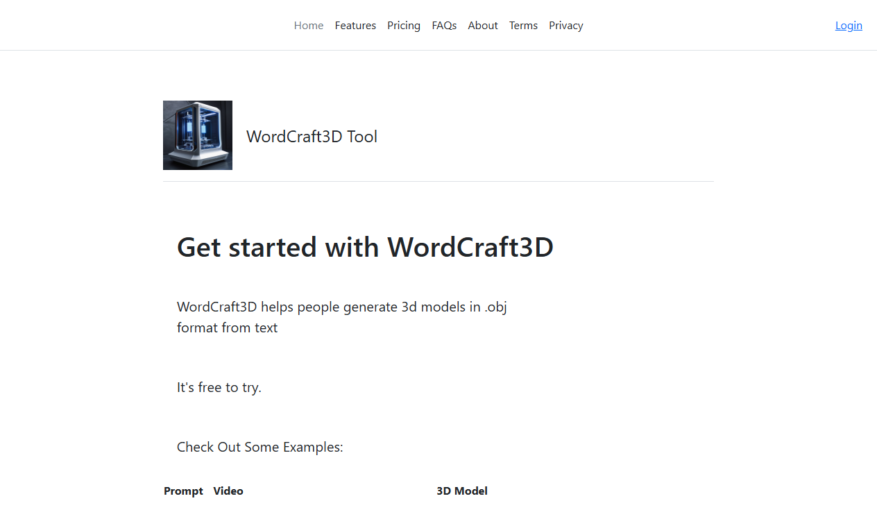
WordCraft3D Tool is an innovative application that allows users to generate stunning 3D model meshes directly from text input. With its user-friendly interface, you can seamlessly create bespoke 3D models in .obj format by simply typing in your desired text. The tool offers a range of...
WordCraft3D Tool is an innovative application that allows users to generate stunning 3D model meshes directly from text input. With its user-friendly interface, you can seamlessly create bespoke 3D models in .obj format by simply typing in your desired text. The tool offers a range of core features, including the ability to download high-quality mp4 videos showcasing your rotating 3D object, as well as the option to obtain .obj, .mtl, and texture files for integration into 3D games or websites. This makes WordCraft3D an invaluable resource for game developers and web designers seeking to enhance their projects with realistic models. The versatility of WordCraft3D is evident through its use cases, particularly in crafting detailed 3D representations of various objects based on simple descriptions. Whether you are developing a game or enriching a website, WordCraft3D is the perfect solution for bringing your creative concepts to life. With dedicated customer support and easy access to pricing and user accounts, WordCraft3D Tool by GreenRobot is your go-to platform for all your 3D modeling needs. Experience the future of 3D creation today with WordCraft3D Tool.
Generates 3D words with customizable colors, fonts, and orientations.
Creates stunning 3D word clouds with adjustable density and randomness.
Offers a vast library of 3D shapes, icons, and emojis.
Allows users to upload custom 3D models and textures.
Provides advanced animation options, including rotation, scaling, and movement.
Enables users to add backgrounds, including images, videos, and colors.
Supports popular file formats, including OBJ, STL, and GLTF.
Exports high-quality images and animations in various resolutions.
You Got Questions,We Got Answers
What is Wordcraft 3D?
Wordcraft 3D is a web-based 3D modeling and animation tool that allows users to create 3D models, and animations without requiring extensive knowledge of 3D modeling or programming.
How do I start?
To get started, simply create an account, verify your email, and then start exploring the dashboard, where you can access various features and tools to create your 3D models.
What kind of models can I make?
With Wordcraft 3D, you can create a wide range of 3D models, including characters, objects, vehicles, buildings, and even entire scenes, using a variety of tools and features.
Is it free to use?
Yes, Wordcraft 3D offers a free plan, which includes access to most features, including 3D modeling and animation tools, with some limitations on storage and exports, compared to paid plans.
Can I collaborate with others?
Yes, Wordcraft 3D allows real-time collaboration, enabling multiple users to collaborate on a single project, making it easier to work with team members or clients.
How do I export my models?
Once you've completed your 3D model, you can export it in various formats, including OBJ, STL, and GLB, which can be used in various applications, such as 3D printing, gaming, or video production.
Use cases
Healthcare
Medical illustrators use Wordcraft 3D to create interactive, step-by-step guides for surgeons, enhancing patient outcomes and streamlining complex procedures
Finance
Investment firms create immersive, data-driven stories to present market trends and opportunities to clients, increasing engagement and driving informed decisions
Manufacturing
Quality control teams design interactive 3D tutorials to train assembly line workers, reducing errors and increasing productivity
Marketing
Agencies craft compelling, interactive narratives to showcase product features and benefits, boosting brand awareness and driving sales
Traffic and Engagement
N/A
World wide
Monthly visitors (January)
N/A
Page/Visit
N/A
Visit Duration
N/A
Bounce Rate
N/A
Pricing
Free
$0
WordCraft3D Tool Embeds
Copied!
Let your community know you're live on Skillcurb! Just drop a badge on your site’s homepage with just a few clicks. Showcasing the badge helps increase your visibility and connects you with users actively exploring top AI tools.