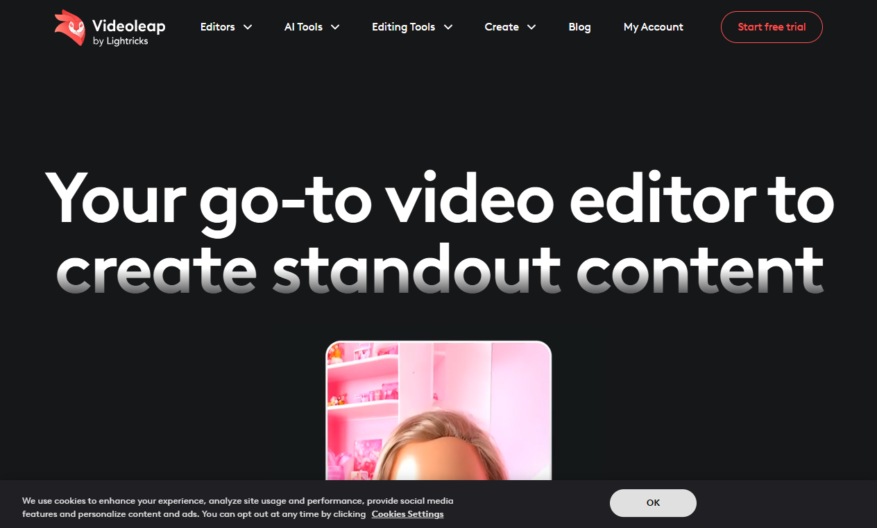
Introducing our innovative tool designed to elevate your productivity and streamline your workflow. This tool features an intuitive interface that allows users to seamlessly navigate through its myriad functions. With advanced capabilities, it is tailored to meet the diverse needs of professionals across various industries. Its...
Introducing our innovative tool designed to elevate your productivity and streamline your workflow. This tool features an intuitive interface that allows users to seamlessly navigate through its myriad functions. With advanced capabilities, it is tailored to meet the diverse needs of professionals across various industries. Its robust performance ensures that you can accomplish tasks efficiently without compromising on quality. The tool incorporates real-time collaboration features, enabling teams to work together effortlessly, regardless of their location. Enhance your decision-making process with data-driven insights provided by cutting-edge analytics. Users will appreciate the integration possibilities with existing software, making it a versatile addition to any tech stack. Experience unparalleled support through dedicated customer service, ensuring you maximize the tool's potential. Its adaptability makes it perfect for both individuals and teams seeking to boost their overall performance. Embrace the future of productivity and transform the way you work with this powerful tool.
Professional-grade video editing tools for precision control and customization.
Advanced color grading and color matching capabilities.
Intuitive multi-track timeline for effortless audio and video syncing.
Stunning visual effects and motion graphics templates.
Seamless integration with other Luma apps for enhanced workflow.
Advanced audio ducking and EQ adjustments for perfect sound balance.
Real-time preview and rendering for instant feedback and review.
Export in 4K, 60fps, or other custom resolutions and formats.
You Got Questions,We Got Answers
What is Videoleap?
Videoleap is a powerful video editing app for iOS devices, offering advanced features and a user-friendly interface to help you create stunning videos on the go
Is Videoleap free?
Videoleap offers a free version with limited features, as well as a subscription-based Pro version that unlocks advanced features, exclusive content, and priority customer support
What devices is Videoleap compatible with?
Videoleap is compatible with iOS devices, including iPhones and iPads, running iOS 12 or later, and is optimized for the latest devices and operating systems
Can I use Videoleap for commercial purposes?
Yes, Videoleap can be used for commercial purposes, including advertising, marketing, and business promotions, with the Pro version offering additional features and support for commercial use
How do I get started with Videoleap?
To get started with Videoleap, simply download and install the app, then follow the in-app tutorials and guides to learn the basics of video editing and start creating your own stunning videos
Can I export videos in 4K?
Yes, Videoleap Pro allows you to export videos in 4K resolution at 30fps or 60fps, as well as in other resolutions and frame rates, giving you flexibility and control over your video output
Is Videoleap available for Android devices?
Currently, Videoleap is only available for iOS devices, but the developers are working on an Android version, which will be released in the future, with a similar feature set and user interface
How do I cancel my Videoleap subscription?
To cancel your Videoleap subscription, go to the App Store, tap your profile icon, then tap Subscriptions, find Videoleap, and tap Cancel Subscription, following the prompts to confirm cancellation
Use cases
Healthcare
Medical professionals can use Videoleap to create engaging educational videos for patients, explaining complex medical procedures and treatment options in an easy-to-understand format, improving patient comprehension and adherence to treatment plans
Finance
Financial advisors can leverage Videoleap to produce interactive video tutorials, teaching clients about investment strategies, retirement planning, and wealth management, enhancing client understanding and trust
Retail
Retailers can utilize Videoleap to create immersive product demonstrations, showcasing features and benefits, and allowing customers to explore products in 360-degree views, increasing sales and reducing returns
Manufacturing
Quality control teams can employ Videoleap to develop interactive training videos, illustrating complex manufacturing processes, and enabling employees to practice and perfect their skills in a simulated environment
Marketing
Marketers can harness Videoleap to craft compelling social media videos, highlighting brand stories, and showcasing products in action, increasing engagement, and driving conversions
Education
Teachers can use Videoleap to create interactive lesson plans, incorporating 3D models, animations, and multimedia elements, making complex concepts more accessible and engaging for students
Traffic and Engagement
Mar 2026 - May 2026
World wide
Monthly visitors (May)
193.5k
Page/Visit
3
Visit Duration
47s
Bounce Rate
0.5%
Pricing
Free
$0
Videoleap Embeds
Copied!
Let your community know you're live on Skillcurb! Just drop a badge on your site’s homepage with just a few clicks. Showcasing the badge helps increase your visibility and connects you with users actively exploring top AI tools.