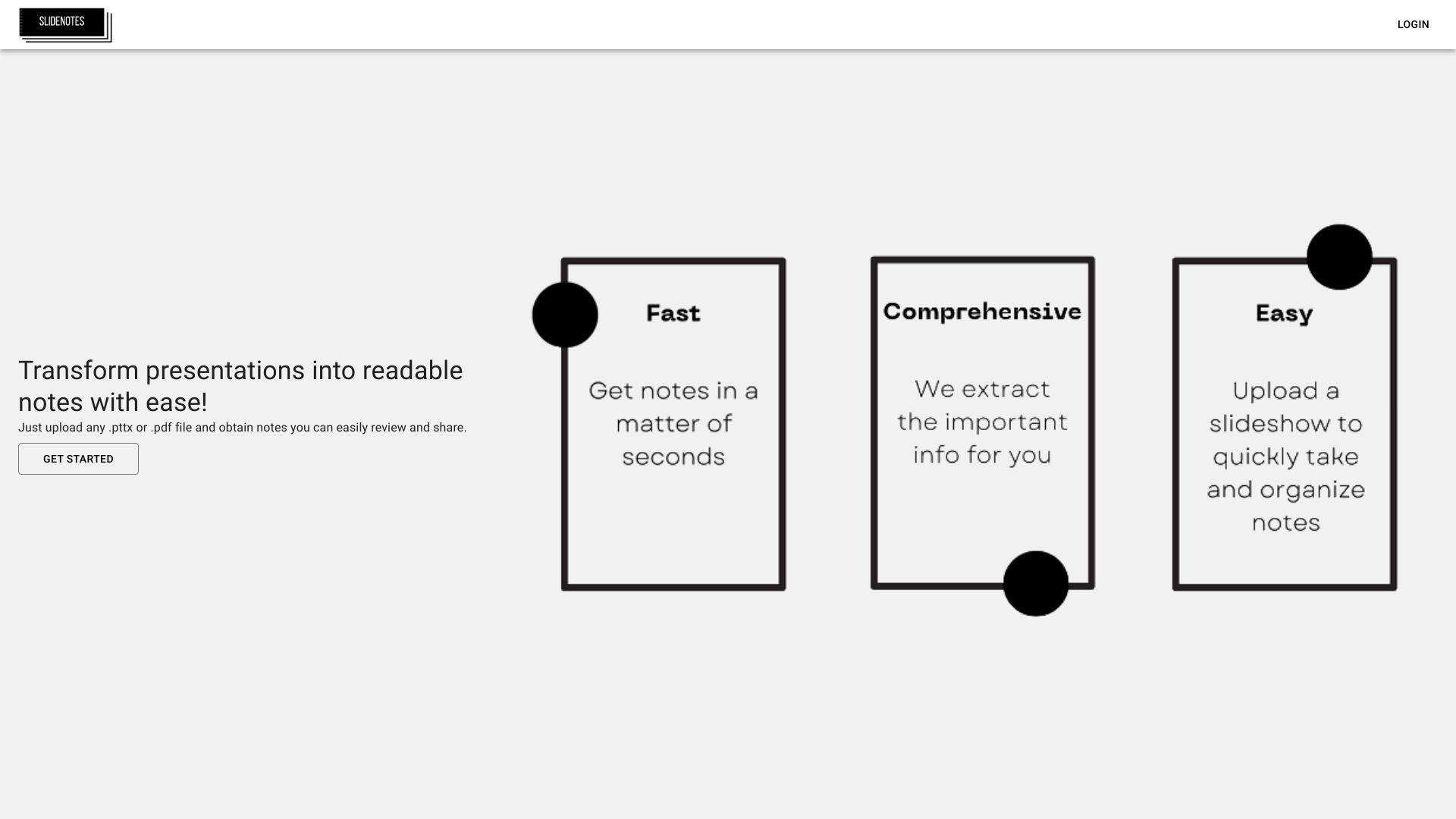
SlideNotes allows users to create organized notes linked directly to presentation slides. It synchronizes written content with specific slides, making it easier to capture, reference, and review key points during or after a presentation. Designed for students, educators, and professionals, SlideNotes improves note-taking efficiency, enhances learning,...
SlideNotes allows users to create organized notes linked directly to presentation slides. It synchronizes written content with specific slides, making it easier to capture, reference, and review key points during or after a presentation. Designed for students, educators, and professionals, SlideNotes improves note-taking efficiency, enhances learning, and ensures important information stays connected to the visual content for better retention.
Summarize lecture notes and academic content efficiently with AI-powered summarization tools.
Convert lengthy articles and academic texts into clear, structured slide-based summaries.
Transform YouTube videos into digestible, organized notes and study materials instantly.
Easily adapt to educational needs with Slidenotes' student- and educator-friendly interface.
Integrate Slidenotes into study workflows to simplify learning and knowledge retention.
Create clean, presentation-ready slides from articles, papers, and online resources.
Summarize complex materials quickly without losing key concepts and essential information.
Organize content visually for faster revision and smarter exam preparation.
You Got Questions,We Got Answers
What is SlideNotes?
SlideNotes is a tool designed to help users create, organize, and share notes for their presentations. It enhances the presentation experience by allowing seamless access to notes during live presentations or recordings. The platform aims to improve focus and deliver valuable insights effectively.
How does SlideNotes work?
SlideNotes operates by allowing users to attach notes to specific slides in their presentations. This enables presenters to view contextual notes while presenting, ensuring they can convey their message without forgetting important points. The intuitive interface makes it easy to manage notes and slides.
Is SlideNotes free to use?
SlideNotes offers both free and premium subscription options. The free version includes basic functionalities, while the premium version unlocks additional features and advanced capabilities tailored for professional users.
Can I customize my notes in SlideNotes?
SlideNotes Yes, SlideNotes allows users to customize their notes with various formatting options. Users can adjust the text, add bullet points, and organize information in a way that best suits their presentation style and needs.
Can I access SlideNotes on mobile devices?
SlideNotes Yes, SlideNotes is accessible on mobile devices through browsers and dedicated apps. The mobile version is optimized for easy navigation, allowing users to access their notes and presentations on the go.
Does SlideNotes store my presentation data?
SlideNotes Yes, SlideNotes stores presentation data in a secure manner to enable easy access and backup. Users can manage their data settings and consult privacy policies to understand how their information is handled.
How does SlideNotes ensure data privacy?
SlideNotes prioritizes user privacy and employs various security measures to safeguard data. The platform follows standard data protection practices and complies with relevant privacy regulations to protect user information.
Is SlideNotes suitable for team collaboration?
SlideNotes Yes, SlideNotes supports team collaboration by allowing multiple users to access and edit notes simultaneously. This feature enhances teamwork and ensures that all members can contribute their insights and feedback.
Traffic and Engagement
Jan 2026 - Mar 2026
World wide
Monthly visitors (March)
10.4k
Page/Visit
1.3
Visit Duration
27s
Bounce Rate
0.5
Pricing
Free
$0
SlideNotes Embeds
Copied!
Let your community know you're live on Skillcurb! Just drop a badge on your site’s homepage with just a few clicks. Showcasing the badge helps increase your visibility and connects you with users actively exploring top AI tools.