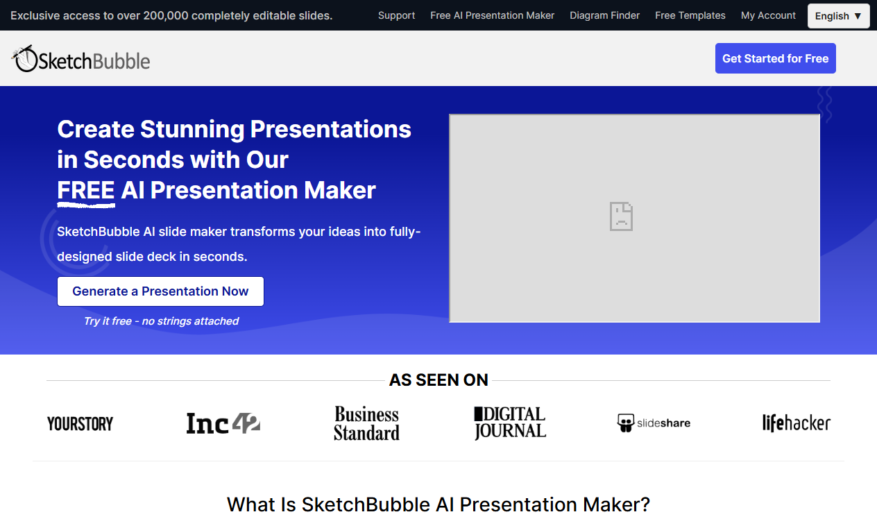
SketchBubble's AI Presentation Maker is a cutting-edge online tool that helps users create stunning presentations in minutes, without requiring design skills. This innovative platform uses artificial intelligence to transform ideas into visually appealing slides, complete with images, icons, and animations. With a vast template library, customizable...
SketchBubble's AI Presentation Maker is a cutting-edge online tool that helps users create stunning presentations in minutes, without requiring design skills. This innovative platform uses artificial intelligence to transform ideas into visually appealing slides, complete with images, icons, and animations. With a vast template library, customizable themes, and a user-friendly interface, SketchBubble makes it easy to create engaging presentations, infographics, and reports for personal or professional use, saving time and effort while impressing audiences.
Automatically converts text into engaging presentations with AI-powered design suggestions.
Creates visually appealing slides with customizable templates and graphics.
Offers a user-friendly interface for easy editing and customization options.
Provides a vast library of images, icons, and graphics for added flair.
Allows real-time collaboration and feedback with shareable links and comments.
Includes a range of animations and transitions for dynamic presentations.
Supports multiple file formats for seamless export and sharing options.
Offers a mobile-friendly platform for on-the-go presentation creation and editing.
You Got Questions,We Got Answers
What is SketchBubble's AI Presentation Maker?
SketchBubble's AI Presentation Maker is a cutting-edge online tool that uses artificial intelligence to help users create stunning presentations in minutes, with minimal effort and design experience required, offering a range of templates, graphics, and customization options
How does the AI Presentation Maker work?
The AI Presentation Maker uses machine learning algorithms to analyze the user's input and generate a customized presentation, taking into account the user's content, style, and tone, and offering real-time suggestions and recommendations to enhance the design and layout
Can I customize my presentation's design?
Yes, the AI Presentation Maker offers a wide range of customization options, including templates, colors, fonts, images, and graphics, allowing users to tailor their presentation to their brand, style, and preferences, with easy-to-use editing tools and real-time previews
Do I need design experience to use it?
No, the AI Presentation Maker is designed to be user-friendly and accessible, even for those with no design experience, providing an intuitive interface and step-by-step guidance to help users create professional-looking presentations in minutes
Can I collaborate with others on a presentation?
Yes, the AI Presentation Maker allows real-time collaboration, enabling multiple users to work together on a presentation, with features such as simultaneous editing, commenting, and feedback tools, making it easy to work with team members or clients remotely
How do I export and share my presentation?
Once your presentation is complete, you can easily export it in various formats, including PDF, PPTX, and HTML, and share it with others via email, social media, or online platforms, with options to customize the export settings and add passwords or watermarks for added security
Use cases
Healthcare
Medical professionals use SketchBubble to create engaging presentations for patient education, explaining complex diagnoses and treatment options in an easy-to-understand format, improving patient outcomes and satisfaction
Finance
Financial advisors leverage SketchBubble to craft compelling investment proposals, showcasing market trends and portfolio performance in a visually appealing way, helping clients make informed investment decisions
Retail
Retailers utilize SketchBubble to develop interactive product demonstrations, highlighting key features and benefits, and increasing customer engagement, leading to higher sales and brand loyalty
Manufacturing
Production teams employ SketchBubble to create step-by-step assembly guides, simplifying complex manufacturing processes, reducing errors, and improving overall product quality
Marketing
Marketers harness SketchBubble to design attention-grabbing social media campaigns, conveying brand messages through engaging visuals and animations, boosting brand awareness and online engagement
Education
Teachers use SketchBubble to develop interactive lesson plans, making complex concepts more accessible and fun for students, leading to improved learning outcomes and increased student motivation
Traffic and Engagement
Mar 2026 - May 2026
World wide
Monthly visitors (May)
260.4k
Page/Visit
3
Visit Duration
1m 2s
Bounce Rate
0.5%
Pricing
Free
$0
SketchBubble AI Presentation Maker Embeds
Copied!
Let your community know you're live on Skillcurb! Just drop a badge on your site’s homepage with just a few clicks. Showcasing the badge helps increase your visibility and connects you with users actively exploring top AI tools.