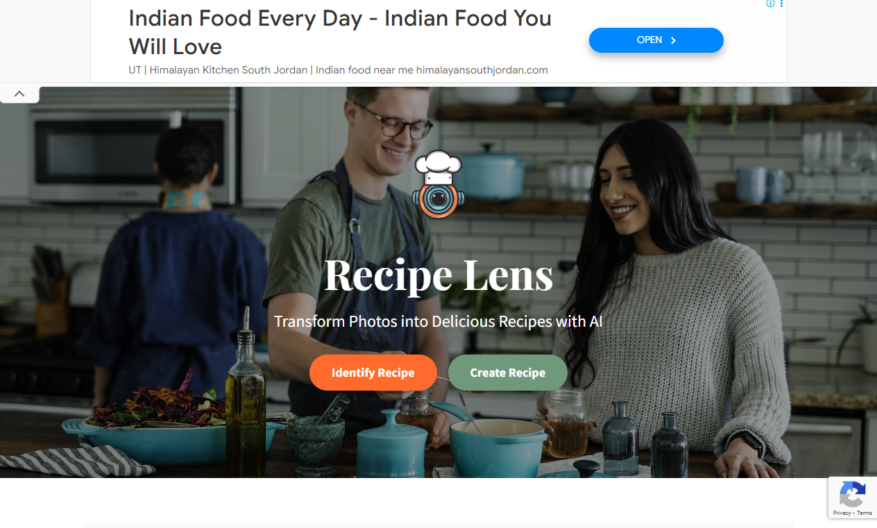
Recipe Lens is an innovative tool that revolutionizes your cooking experience by harnessing the power of AI. By simply uploading an image of a dish or ingredients, the app utilizes advanced image recognition to identify the recipe or generate a custom one tailored to your needs....
Recipe Lens is an innovative tool that revolutionizes your cooking experience by harnessing the power of AI. By simply uploading an image of a dish or ingredients, the app utilizes advanced image recognition to identify the recipe or generate a custom one tailored to your needs. With its unique ability to create recipes from leftover ingredients, Recipe Lens encourages creativity in the kitchen while minimizing food waste. Each recipe comes with detailed, step-by-step instructions, ensuring that even novice cooks can follow along easily. Additionally, the app provides comprehensive nutritional information, helping you make informed choices about your meals. The fully responsive design allows users to access Recipe Lens on a variety of devices, making it convenient for anyone on the go. Whether you want to identify a dish you love or explore new possibilities with what you have at home, Recipe Lens transforms ordinary cooking into an extraordinary adventure. For assistance, feel free to reach out to our support team through the contact page. Experience a new way of cooking today with Recipe Lens, where every meal becomes an opportunity for delicious discovery.
Personalized recipe recommendations based on dietary needs and restrictions.
Meal planning and grocery lists generated with a single click.
Search and filter recipes by nutritional information and cooking time.
Customizable meal plans for special occasions and events.
Recipe discovery through ingredient-based search and recommendation.
Nutrition insights and macronutrient breakdown for each recipe.
Step-by-step cooking guidance with videos and photos.
Recipe saving and organization through personalized cookbooks and tags.
You Got Questions,We Got Answers
What is RecipeLens?
RecipeLens is a meal planning and grocery shopping platform that helps users discover new recipes, organize their meal plans, and create grocery lists, all in one place
How does RecipeLens work?
To sign up, users simply enter their email address and password, then start exploring recipes, creating meal plans, and generating grocery lists, with the option to upgrade to a premium subscription for additional features
Can I customize my meal plans?
Yes, users can customize their meal plans by selecting specific diets, such as vegan or gluten-free, and excluding ingredients they dislike or are allergic to, ensuring that their meal plans meet their unique needs
What types of recipes are available?
RecipeLens offers a vast library of recipes, including breakfast, lunch, dinner, dessert, and snack ideas, with new recipes added regularly, covering a wide range of cuisines and dietary preferences
How do I access my grocery list?
Once users have created their meal plan, they can access it on the RecipeLens account, where they can view, edit, and print their grocery list, or send it to their mobile device for in-store shopping
How much does RecipeLens cost?
RecipeLens offers a free version with limited features, as well as a premium subscription that provides additional features, such as advanced meal planning and nutritional analysis, with pricing varying depending on the subscription plan chosen
Can I use RecipeLens on multiple devices?
Yes, users can access their RecipeLens account on multiple devices, including desktop computers, laptops, tablets, and mobile devices, ensuring they can plan and shop on-the-go
Is RecipeLens available in multiple languages?
Yes, RecipeLens is available in multiple languages, including English, Spanish, French, and German, making it accessible to users worldwide, with more languages to be added in the future
Use cases
Healthcare
RecipeLens helps hospitals analyze nutritional content of patient meals, ensuring compliance with dietary restrictions and improving patient outcomes
Finance
RecipeLens-powered meal planning tools for financial institutions, promoting employee wellness and increasing productivity
Retail
Grocery stores utilize RecipeLens to provide customers with personalized meal planning solutions, increasing sales and enhancing customer loyalty
Manufacturing
Food manufacturers leverage RecipeLens to develop new products, streamlining R&D and accelerating time-to-market
Education
RecipeLens integrates with culinary school curricula, teaching nutrition analysis and meal planning skills, preparing students for industry success
Marketing
Brands partner with RecipeLens to create engaging, data-driven content, driving consumer interest and loyalty in the competitive food industry
Traffic and Engagement
Mar 2026 - May 2026
World wide
Monthly visitors (May)
0.9k
Page/Visit
2.3
Visit Duration
1m 18s
Bounce Rate
0.4%
Pricing
Free
$0
Recipe Lens Embeds
Copied!
Let your community know you're live on Skillcurb! Just drop a badge on your site’s homepage with just a few clicks. Showcasing the badge helps increase your visibility and connects you with users actively exploring top AI tools.