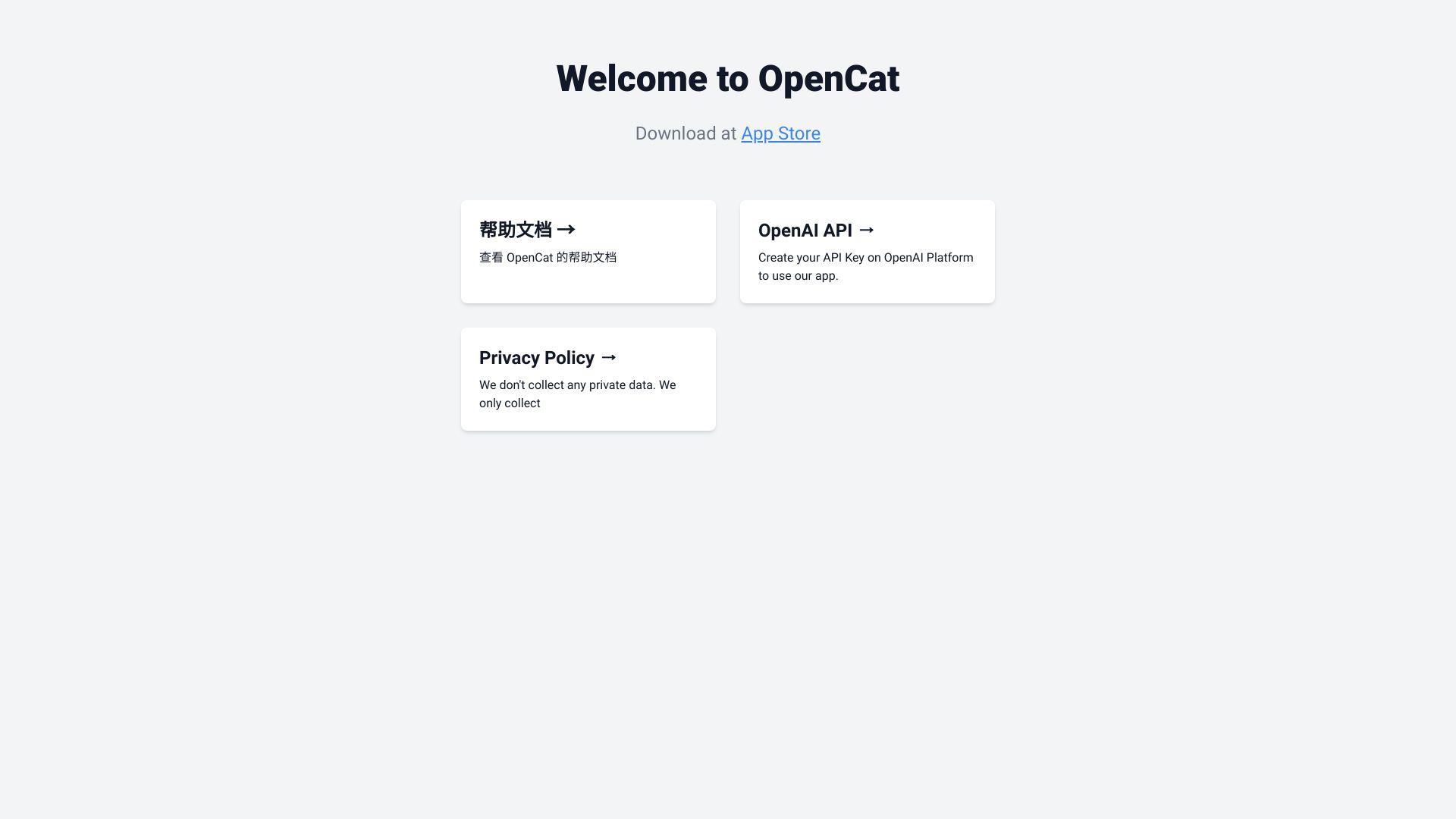
OpenCat is a native AI client for iOS, macOS, and iPadOS that brings ChatGPT to your device with features like keyboard extension, Siri integration, iCloud sync, and voice chat. Users can generate images from text and use their own API keys without needing an account. OpenCat...
OpenCat is a native AI client for iOS, macOS, and iPadOS that brings ChatGPT to your device with features like keyboard extension, Siri integration, iCloud sync, and voice chat. Users can generate images from text and use their own API keys without needing an account. OpenCat offers both free and premium plans, making it a powerful and flexible tool for enhancing productivity with AI.
Engage in hands-free conversations with AI using voice input for seamless interaction.
Text to Image
Convert textual prompts into visually appealing images effortlessly.
Image Chat
Communicate using images and emojis for a more interactive experience.
Translation
Translate text between multiple languages to break down communication barriers.
Keyboard Input
Access AI capabilities across all apps, including Messages, Notes, and Mail.
Siri Integration
Utilize Siri Shortcuts to access AI chat without opening the app.
Prompt Library
Access a collection of pre-written prompts to facilitate AI interactions.
Multiple AI Models
Choose from various AI models to customize your chat experience.
You Got Questions,We Got Answers
What is OpenCat?
OpenCat is a native macOS app that allows users to chat with powerful AI models like ChatGPT directly from their desktop, offering fast, distraction-free conversations.
How does OpenCat work?
OpenCat connects to OpenAIâs APIs and other AI providers, enabling macOS users to interact with ChatGPT and other models through a clean, native interface without using a browser.
Which AI models are supported in OpenCat?
OpenCat supports GPT-3.5, GPT-4, and custom OpenAI API keys. Users can also connect to third-party APIs to access additional model options.
Is OpenCat only available for macOS?
OpenCat is currently developed exclusively for macOS, offering a native experience that integrates smoothly with Appleâs design and system features.
Can I use my own API key with OpenCat?
OpenCat allows users to bring their own OpenAI API key, offering more control over usage, model selection, and token consumption.
Does OpenCat support chat history and context?
OpenCat saves chat history locally and maintains conversation context, allowing seamless ongoing interactions across sessions.
Is coding knowledge required to use OpenCat?
OpenCat is designed for everyoneâno coding is required. Just install the app, enter your API key, and start chatting with AI instantly.
Is OpenCat free to use?
OpenCat is free to download with core features, and users only pay for API usage if they bring their own key. Advanced features may be available in premium versions.
Use cases
Healthcare
OpenCat enhances healthcare professionals' efficiency by integrating AI chat capabilities directly into macOS and iOS applications like Messages, Notes, and Mail, facilitating quick access to medical information and patient communication
Finance
Financial analysts can utilize OpenCat's Siri integration and keyboard extension to draft reports, analyze market trends, and manage client communications seamlessly across devices
Retail
Retail managers leverage OpenCat's voice chat and image generation features to create engaging product descriptions and promotional content, enhancing customer engagement and sales
Marketing
Marketing teams employ OpenCat's multiple AI model support and prompt library to generate diverse content ideas, optimize campaigns, and analyze market sentiment effectively
Education
Educators use OpenCat's translation and Markdown rendering features to create accessible learning materials, facilitate multilingual communication, and enhance student engagement across various platforms.
Traffic and Engagement
Jan 2026 - Mar 2026
World wide
Monthly visitors (March)
9.4k
Page/Visit
1.5
Visit Duration
22s
Bounce Rate
0.6%
Pricing
Freemium
$2.99
OpenCat Embeds
Copied!
Let your community know you're live on Skillcurb! Just drop a badge on your site’s homepage with just a few clicks. Showcasing the badge helps increase your visibility and connects you with users actively exploring top AI tools.