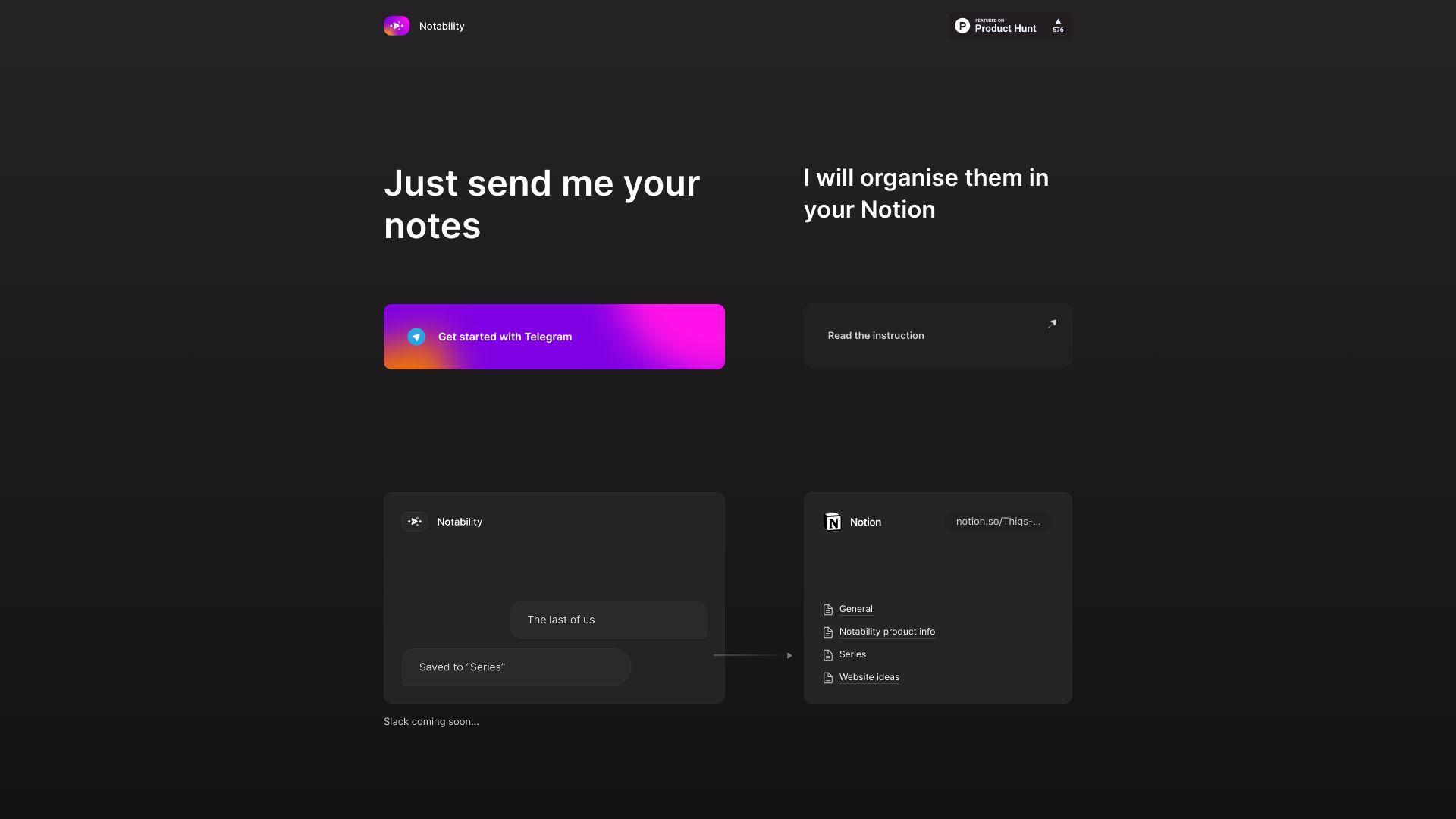
Notability AI enhances the note-taking experience by offering advanced AI-driven features. It enables automatic organization, summarization, and retrieval of notes, making information management easier and more efficient. Suitable for both students and professionals, Notability AI integrates seamlessly into existing workflows, boosting learning and productivity. Explore its...
Notability AI enhances the note-taking experience by offering advanced AI-driven features. It enables automatic organization, summarization, and retrieval of notes, making information management easier and more efficient. Suitable for both students and professionals, Notability AI integrates seamlessly into existing workflows, boosting learning and productivity. Explore its innovative features today.
Utilizes advanced transcription technology for accurate and efficient meeting note-taking.
Captures all meeting insights to ensure no important details are missed.
Transforms workflows with AI-powered note generation and task automation.
Provides a user-friendly interface for seamless meeting collaboration.
Integrates with Zoom, Google Meet, and Microsoft Teams for effortless operation.
Automatically generates structured summaries and action items from meetings.
Ensures teams stay aligned and productive by capturing real-time insights.
Streamlines the note-taking process and enhances collaboration efficiency.
You Got Questions,We Got Answers
What is Notability?
Notability is a versatile note-taking tool that combines handwriting, typing, and audio recording to help users capture and organize their ideas effectively. It supports various media formats, enabling users to create rich, interactive notes for educational, professional, or personal use.
How does Notability work?
Notability allows users to create notes using touch inputs, keyboard, or audio recordings. It provides a variety of tools for drawing, highlighting, and formatting text. Notes can be organized into subjects and can include multimedia elements, making them engaging and informative.
Is Notability free to use?
Notability offers a free version with limited features, while a premium version unlocks additional functionality, including cloud syncing and enhanced organizational tools. Users can choose to upgrade for a more comprehensive experience.
Can I sync Notability with other devices?
Notability Yes, Notability supports syncing across multiple devices via iCloud or other cloud storage services. This feature ensures that users can access their notes from anywhere, on any compatible device, maintaining up-to-date information.
Does Notability support multimedia notes?
Notability Yes, Notability allows users to incorporate images, videos, and audio recordings into their notes. This multimedia capability enhances the note-taking experience, enabling users to create richer content.
How can I organize my notes in Notability?
Notability Users can organize notes by creating subjects and dividers, making it easy to categorize and locate specific notes. Additionally, notes can be tagged and searched for quick access.
Is Notability safe to use?
Notability Yes, Notability prioritizes user privacy and data security. Notes are encrypted and backed up via secure cloud services, ensuring that users' information remains safe and accessible only to them.
Can I collaborate with others in Notability?
Notability Currently, Notability offers limited collaboration features. Users can share notes via export or cloud services, but real-time collaboration within the app is not typically supported.
Traffic and Engagement
Jan 2026 - Mar 2026
World wide
Monthly visitors (March)
73
Page/Visit
1
Visit Duration
N/A
Bounce Rate
0.4
Pricing
Free
$0
Notability Embeds
Copied!
Let your community know you're live on Skillcurb! Just drop a badge on your site’s homepage with just a few clicks. Showcasing the badge helps increase your visibility and connects you with users actively exploring top AI tools.