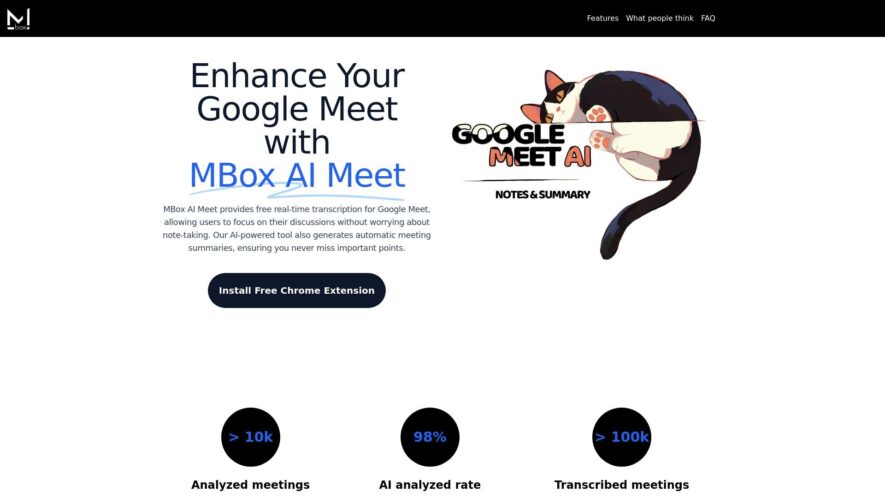
MBox AI Meet is an innovative tool designed to enhance the experience of users during Google Meet sessions. Providing real-time transcription and automatic meeting summaries, this free tool significantly boosts productivity by allowing participants to focus on discussions rather than distraction from note-taking. By simply installing...
MBox AI Meet is an innovative tool designed to enhance the experience of users during Google Meet sessions. Providing real-time transcription and automatic meeting summaries, this free tool significantly boosts productivity by allowing participants to focus on discussions rather than distraction from note-taking. By simply installing the Chrome extension, users can enjoy seamless integration into their virtual meetings. The AI-powered software captures discussions as they unfold, producing accurate transcriptions that are invaluable for review and collaboration. Whether you are looking to improve your remote work effectiveness or simplify your meeting processes, MBox AI Meet stands out as a beneficial resource. The automatic generation of concise meeting summaries ensures that key points and decisions are never missed. This tool is especially beneficial for teams that rely on efficient communication and collaboration in a digital environment. Additionally, MBox AI Meet is completely free to use, making it accessible for everyone. With its comprehensive features, MBox AI Meet represents a significant advancement in enhancing online meeting productivity.
High-quality video conferencing with up to 50 participants at a time.
Secure and reliable connections with end-to-end encryption for data protection.
Customizable meeting rooms with personalized URLs and branding options.
Screen sharing and real-time collaboration tools for enhanced productivity.
Integrated chat and file sharing features for seamless communication.
Support for multiple audio and video sources for flexible conferencing.
Recording and playback features for convenient meeting summaries.
Mobile optimization for meetings on-the-go with iOS and Android apps.
You Got Questions,We Got Answers
What is Mbox Meet?
Mbox Meet is a virtual meeting platform designed to facilitate seamless communication and collaboration among teams and individuals across the globe, offering a range of features and tools to enhance the meeting experience
How do I join a meeting?
To join a meeting on Mbox Meet, simply click on the meeting link provided by the host, and you will be directed to the meeting room where you can participate in the discussion and engage with other attendees
What are the system requirements?
Mbox Meet is compatible with most modern devices and browsers, including Chrome, Firefox, and mobile devices, with a stable internet connection, ensuring that users can access the platform from anywhere, at any time
Can I record a meeting?
Mbox Meet offers a recording feature that allows hosts to record meetings for future reference, which can be downloaded and shared with others, providing a convenient way to review and revisit important discussions and decisions
Is Mbox Meet secure?
Mbox Meet prioritizes the security and privacy of its users, employing robust security measures, including end-to-end encryption, secure data storage, and compliance with major data protection regulations, to provide a safe and trustworthy environment
How do I schedule a meeting?
To schedule a meeting on Mbox Meet, simply log in to your account, click on the "New Meeting" button, enter the required details, and invite attendees, and the platform will take care of the rest, sending reminders and notifications to ensure a smooth meeting experience
Use cases
Healthcare
Virtual meetings with remote patients reduce no-show rates, improve health outcomes, and enhance patient engagement, while also reducing costs associated with travel and facility maintenance
Finance
Secure virtual meetings with clients and stakeholders enable confidential discussions, reduce travel costs, and enhance collaboration, while ensuring compliance with regulatory requirements
Retail
Virtual product demonstrations and training sessions enable sales teams to engage with customers remotely, increase sales, and reduce costs associated with travel and product shipping
Manufacturing
Virtual meetings with suppliers, partners, and customers facilitate collaboration, reduce travel costs, and enable real-time issue resolution, improving supply chain efficiency and reducing lead times
Marketing
Virtual focus groups and customer feedback sessions enable real-time insights, improve product development, and enhance customer satisfaction, while reducing costs associated with in-person research and travel
Education
Virtual classrooms enable remote learning, increase student engagement, and provide equal access to education for students with disabilities or in remote locations, improving learning outcomes and reducing costs
Traffic and Engagement
N/A
World wide
Monthly visitors (January)
N/A
Page/Visit
N/A
Visit Duration
N/A
Bounce Rate
N/A
Pricing
Freemium
$4.99
MBox Embeds
Copied!
Let your community know you're live on Skillcurb! Just drop a badge on your site’s homepage with just a few clicks. Showcasing the badge helps increase your visibility and connects you with users actively exploring top AI tools.