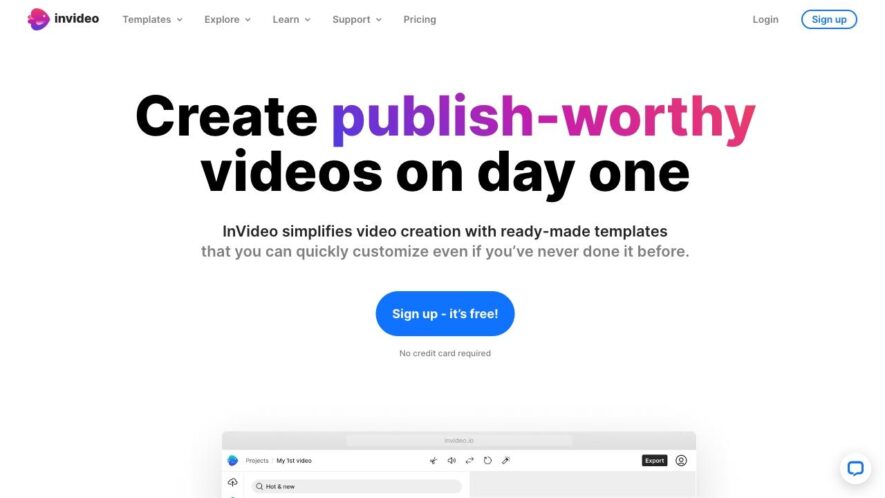
InVideo is a video editing platform that allows users to create professional-looking videos without requiring extensive editing experience. With a user-friendly interface and a vast library of templates, transitions, and effects, users can easily create stunning videos in minutes. The platform offers advanced features such as...
InVideo is a video editing platform that allows users to create professional-looking videos without requiring extensive editing experience. With a user-friendly interface and a vast library of templates, transitions, and effects, users can easily create stunning videos in minutes. The platform offers advanced features such as keyframe animation, color adjustment, and audio ducking, making it suitable for both beginners and experienced editors. InVideo is ideal for creating social media content, promotional videos, and more, with the ability to export videos in various resolutions and formats.
Create professional-quality videos effortlessly with InVideos intuitive platform.
Enhance your content with InVideos vast library of templates and media assets.
Save time with InVideos AI-powered automation and smart editing tools.
Collaborate seamlessly with teams using InVideos cloud-based editing features.
Customize every aspect of your video with InVideos flexible editing options.
Access high-quality stock footage, music, and effects within InVideo.
Simplify video creation with InVideos drag-and-drop functionality.
Export videos in multiple formats and resolutions with InVideos easy-to-use tools.
Leverage InVideos advanced text-to-video feature for quick content creation.
Boost your engagement with InVideos transitions, animations, and effects.
You Got Questions,We Got Answers
What is InVideo?
InVideo is an online video editing platform that allows users to create professional-looking videos without requiring extensive video editing experience. It offers a user-friendly interface, a vast library of templates, and advanced editing features.
How does InVideo work?
InVideo works by providing users with a range of templates and a drag-and-drop editor that makes it easy to upload media, add text, and customize the video to suit their needs.
What kind of videos can I make?
With InVideo, users can create a wide range of videos, including social media clips, explainer videos, promotional videos, and more. The platform is versatile and can be used for personal or business purposes.
Do I need to have video editing experience?
No, InVideo is designed to be user-friendly, and no prior video editing experience is required. The platform offers a range of tutorials and guides to help users get started and create high-quality videos.
Can I use InVideo for free?
InVideo offers a free plan that allows users to create videos with limited features. However, users can upgrade to a paid plan to access additional features, including advanced editing tools and increased storage.
How do I get started with InVideo?
To get started with InVideo, users can sign up for a free account, choose a template, and start editing their video. The platform offers a range of tutorials and guides to help users get started and create high-quality videos.
Can I use InVideo for business?
Yes, InVideo is suitable for businesses of all sizes. It offers a range of features, including customizable templates, advanced editing tools, and collaboration features, making it an ideal platform for creating professional-looking business videos.
Is InVideo compatible with my device?
InVideo is a cloud-based platform, which means it can be accessed from any device with an internet connection. It is compatible with both Windows and Mac operating systems, and users can access it from their desktop, laptop, or mobile device.
Use cases
Healthcare
InVideo's AI-powered video editing tool helps medical professionals create engaging patient education videos, explaining complex procedures and treatment options in an easy-to-understand format, improving patient outcomes and reducing readmission rates
Finance
Wealth management firms use InVideo to create personalized financial planning videos for clients, showcasing investment portfolios and market analysis, increasing client engagement and loyalty
Retail
E-commerce companies leverage InVideo to produce high-quality product demo videos, showcasing features and benefits, increasing conversions and reducing returns, while also enhancing customer experience
Manufacturing
InVideo enables manufacturers to create interactive training videos for employees, demonstrating complex assembly procedures and safety protocols, reducing errors and increasing productivity
Marketing
Digital marketing agencies use InVideo to create attention-grabbing social media videos, increasing brand awareness and engagement, while also driving website traffic and lead generation
Education
Teachers and educators utilize InVideo to create interactive lesson videos, making complex concepts more engaging and accessible for students, improving learning outcomes and student retention
Traffic and Engagement
Apr 2026 - Jun 2026
World wide
Monthly visitors (June)
184.4k
Page/Visit
1.1
Visit Duration
0s
Bounce Rate
1%
Pricing
Paid
$35
InVideo Embeds
Copied!
Let your community know you're live on Skillcurb! Just drop a badge on your site’s homepage with just a few clicks. Showcasing the badge helps increase your visibility and connects you with users actively exploring top AI tools.