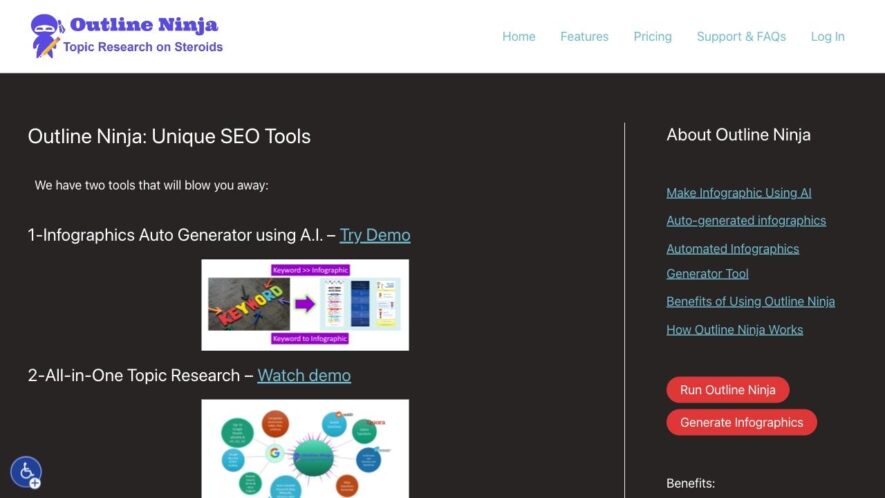
Outline Ninja is a free online tool that helps users create structured outlines for their writing projects. It offers a distraction-free interface, including a tree-like structure, drag-and-drop functionality, and real-time collaboration features. Users can create unlimited outlines, organize their ideas, and export their work in various...
Outline Ninja is a free online tool that helps users create structured outlines for their writing projects. It offers a distraction-free interface, including a tree-like structure, drag-and-drop functionality, and real-time collaboration features. Users can create unlimited outlines, organize their ideas, and export their work in various file types, such as Markdown, OPML, and CSV. Outline Ninja is an ideal tool for writers, researchers, and students looking to improve their writing productivity and clarity.
Automatically generates a structured outline from any webpage or article.
Extracts main points and organizes them into a hierarchical structure easily.
Supports multiple languages, including English, Spanish, French, and many more.
Allows users to customize the outline with notes and annotations.
Provides a distraction-free interface for focused reading and research.
Enables users to export outlines to Markdown, CSV, or PDF formats.
Offers a browser extension for seamless integration with online research.
Provides a user-friendly interface for collaborative research and team projects.
You Got Questions,We Got Answers
What is Outline Ninja?
Outline Ninja is a digital tool that helps users create and structure their ideas, projects, and writings in a visually organized and hierarchical manner, allowing for easy navigation and editing.
Is Outline Ninja free?
Yes, Outline Ninja is free to use, offering unlimited outlines, sections, and items, with optional premium features and support available for subscription-based users.
How do I create an outline?
Simply click the "+" icon to add a new item, and then organize and structure your ideas by dragging and dropping items into sections and subsections as needed.
Can I collaborate with others?
Currently, real-time collaboration is not support, but users can share outlines via URL or export them in various formats, such as Markdown, CSV, or PDF, for sharing and collaboration.
Is my data secure?
Outline Ninja takes data security seriously, utilizing HTTPS encryption and secure servers to protect user data, and also offers optional two-factor authentication for added security.
Can I use Outline Ninja offline?
Yes, Outline Ninja is a progressive web app, allowing users to create and edit outlines, with changes syncing automatically when an internet connection is reestablished.
How do I export my outline?
Users can easily export their work in various formats, including Markdown, CSV, and OPML, by clicking the "Export" button and selecting the desired format and settings.
Is Outline Ninja suitable for students?
Yes, Outline Ninja is an excellent tool for students, helping them to organize and structure their notes, essays, and research papers in a clear and logical manner.
Use cases
Healthcare
Outline.ninja helps medical researchers organize and structure complex studies, ensuring accuracy and clarity in reporting findings to stakeholders
Finance
Wealth management firms use Outline.ninja to create clear and concise investment proposals, streamlining the decision-making process for clients
Retail
E-commerce companies utilize Outline.ninja to plan and execute product launches, ensuring a cohesive brand message across all marketing channels
Manufacturing
Outline.ninja enables quality control teams to create detailed reports on production defects, facilitating data-driven decisions on process improvements
Education
Online course creators use Outline.ninja to develop structured lesson plans, improving student engagement and learning outcomes
Automation
Streamline content creation by importing data from sources like Excel or Google Sheets to populate charts and graphs automatically.
Traffic and Engagement
Feb 2026 - Apr 2026
World wide
Monthly visitors (April)
19.7k
Page/Visit
2
Visit Duration
33s
Bounce Rate
0.5%
Pricing
Paid
$5
Infographic Ninja Embeds
Copied!
Let your community know you're live on Skillcurb! Just drop a badge on your site’s homepage with just a few clicks. Showcasing the badge helps increase your visibility and connects you with users actively exploring top AI tools.