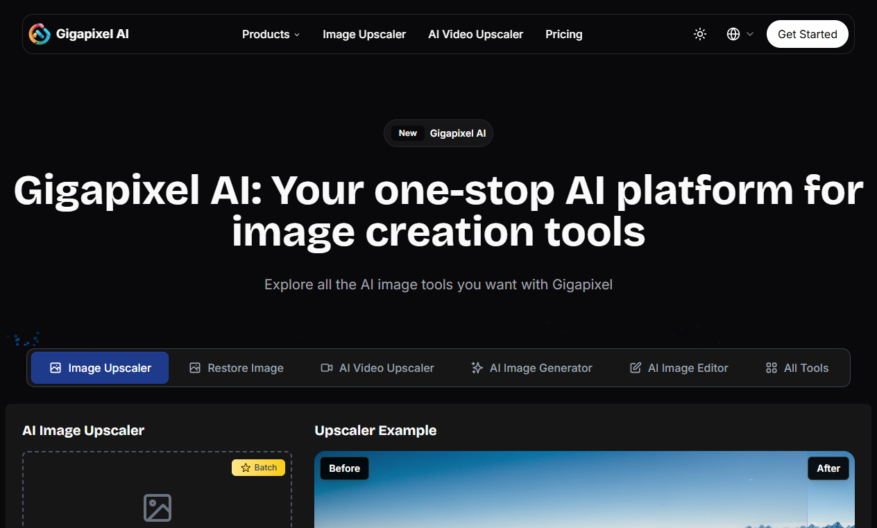
Gigapixel AI is a cutting-edge professional tool designed for upscaling and enhancing images with the power of artificial intelligence. This innovative software allows users to easily transform their photos by simply uploading an image, selecting the appropriate type, and downloading the enhanced version. With its core...
Gigapixel AI is a cutting-edge professional tool designed for upscaling and enhancing images with the power of artificial intelligence. This innovative software allows users to easily transform their photos by simply uploading an image, selecting the appropriate type, and downloading the enhanced version. With its core feature as an image upscaler, Gigapixel AI provides exceptional results for various use cases, including improving the quality of portraits, nature and landscapes, as well as anime images. The platform offers a free trial, allowing users to experience its capabilities before committing to a subscription plan. For additional support, Gigapixel AI provides a dedicated customer service email to address any inquiries or concerns. Users can easily access their accounts through the convenient login link or sign up for new accounts. For those interested in exploring the pricing options, comprehensive details are available on the official website. Gigapixel AI is the ideal solution for anyone looking to elevate their images with ease and efficiency.
Upscale images up to 16x with AI-powered super-resolution technology.
Enlarge photos with precise details and textures, no quality loss.
Remove noise and grain from low-quality images, restore clarity.
Colorize black and white photos, add vibrancy to old images.
Detect and remove objects, people, or flaws from photos.
Automatically correct perspective, skew, and lens distortions.
Supports various image formats, including TIFF, JPEG, and PNG, with batch processing.
Access a user-friendly interface, no graphic design skills required.
You Got Questions,We Got Answers
What is Gigapixel AI used for?
Gigapixel AI is a powerful tool used for enhancing and upscaling images, allowing users to enlarge and refine their photos with incredible precision and accuracy, making it ideal for photographers, graphic designers, and digital artists.
How does Gigapixel AI's system requirements?
Gigapixel AI requires a 64-bit operating system, at least 8GB of RAM, and a dedicated graphics card with 2GB of VRAM, making it compatible with most modern computers and laptops.
What types of images can I enhance?
Gigapixel AI supports a wide range of image formats, including JPEG, PNG, TIFF, and more, allowing users to upscale and refine various types of images, from portraits to landscapes and cityscapes.
Can I use Gigapixel AI for free?
Gigapixel AI offers a free trial version, allowing users to test and experience the software's features and capabilities before deciding to purchase a license, making it risk-free and convenient.
What kind of results can I expect?
Gigapixel AI produces exceptional results, with precise details, vibrant colors, and natural textures, allowing users to achieve professional-grade image quality, making it ideal for commercial and personal projects.
How long does it take to enhance an image?
The processing time of Gigapixel AI depends on the size and complexity of the image, as well as the computer's specifications, but generally, it takes only a few minutes to enhance and upscale an image.
Can I use Gigapixel AI on my Mac?
Yes, Gigapixel AI is compatible with both Windows and macOS operating systems, making it accessible to a wide range of users and allowing them to work seamlessly across different platforms.
What kind of customer support is available?
Gigapixel AI provides comprehensive customer support, including tutorials, FAQs, and email support, ensuring that users receive timely and effective assistance whenever they encounter any issues or have questions.
Use cases
Healthcare
Gigapixel AI enhances medical imaging, allowing radiologists to zoom in on high-resolution images of tumors and organs, enabling earlier disease detection and more effective treatment plans
Finance
Gigapixel AI analyzes high-resolution satellite images of crop yields, enabling investors to make more informed decisions on agricultural commodities and futures
Retail
Gigapixel AI enhances product images, allowing customers to zoom in on product details, increasing customer satisfaction and reducing returns
Manufacturing
Gigapixel AI analyzes high-resolution images of manufacturing lines, enabling quality control teams to identify defects and reduce production downtime
Education
Gigapixel AI enhances historical images, enabling students to explore high-resolution details of artifacts and documents, enriching their learning experience
Marketing
Gigapixel AI leverages Notification Harbor to deliver personalized product updates and offers, boosting customer engagement, loyalty, and overall marketing performance effectively.
Traffic and Engagement
Mar 2026 - May 2026
World wide
Monthly visitors (May)
201.2k
Page/Visit
3
Visit Duration
48s
Bounce Rate
0.4%
Pricing
Freemium
$9.90
Gigapixel Embeds
Copied!
Let your community know you're live on Skillcurb! Just drop a badge on your site’s homepage with just a few clicks. Showcasing the badge helps increase your visibility and connects you with users actively exploring top AI tools.