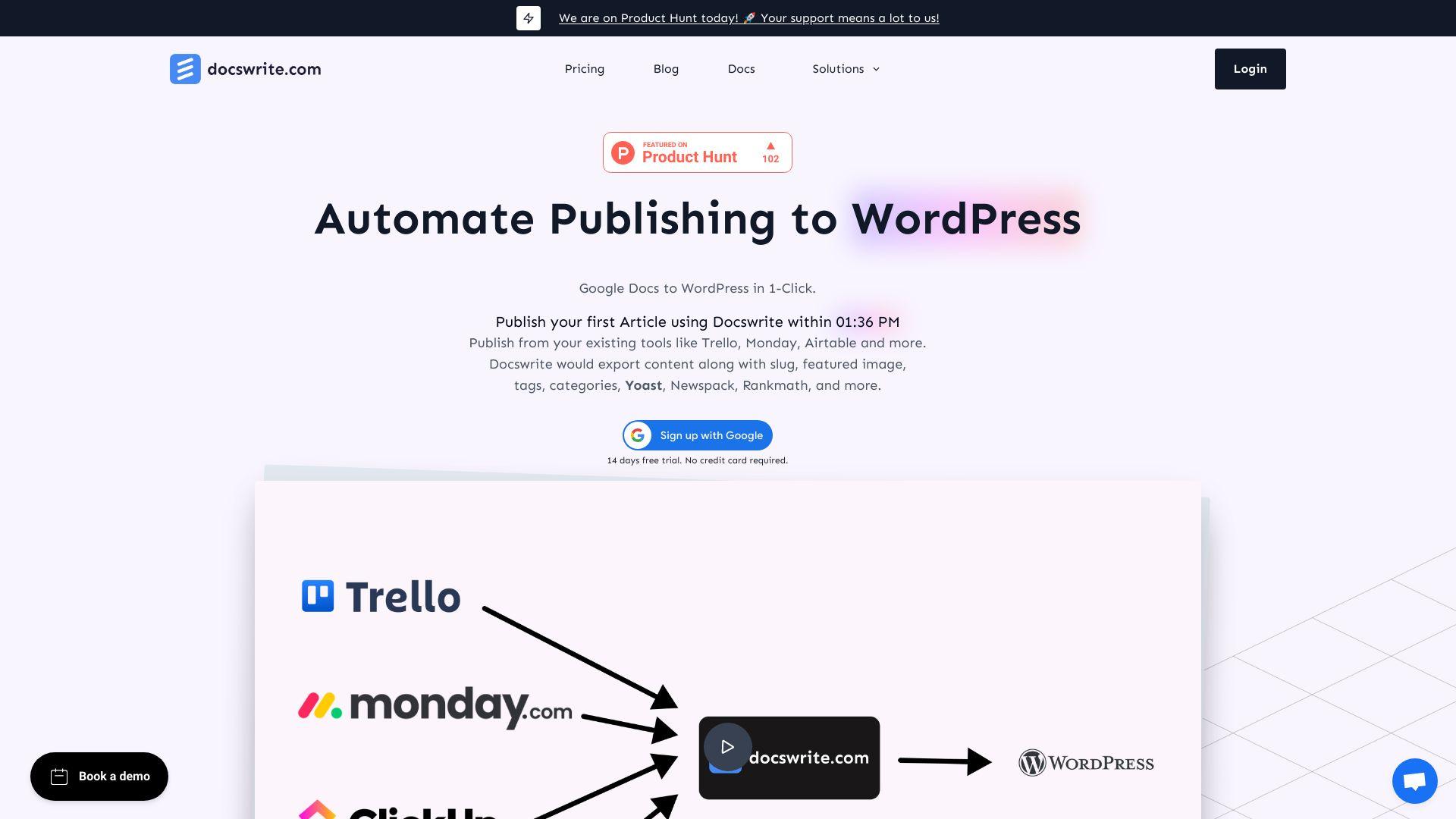
Docswrite is a content automation platform that enables users to publish Google Docs directly to WordPress with a single click. It offers a variety of features, including bulk publishing, SEO optimization, and seamless formatting. With tools for collaborative workflows, integration with platforms like Trello and Airtable,...
Docswrite is a content automation platform that enables users to publish Google Docs directly to WordPress with a single click. It offers a variety of features, including bulk publishing, SEO optimization, and seamless formatting. With tools for collaborative workflows, integration with platforms like Trello and Airtable, and support for plugins like Yoast and Rank Math, Docswrite is perfect for content teams and marketers looking to streamline their publishing process. Experience efficient content automation with Docswrite today.
Enables one-click export of Google Docs to WordPress, preserving formatting, images, and SEO metadata
Supports bulk publishing, allowing multiple documents to be imported simultaneously for efficient content management
Integrates with SEO plugins like Yoast, RankMath, and Newspack to optimize content for search engines
Compresses images during export to enhance page load times and improve SEO performance
Offers a free trial with 5 exports, allowing users to evaluate features before committing
Provides enhanced security with user management controls to protect content
Facilitates content workflow management, enabling multiple users to collaborate efficiently
Integrates with project management tools like Trello and Monday.com for streamlined content publishing.
You Got Questions,We Got Answers
What is Docswrite?
Docswrite is an AI-powered tool that helps users publish blog posts directly from Google Docs to their CMS, streamlining the content creation and publishing workflow.
Who is Docswrite ideal for?
Docswrite is built for content marketers, bloggers, SEO teams, and agencies that use Google Docs for collaboration and need a faster way to publish content to the web.
Which CMS platforms does it support?
Docswrite currently supports publishing to WordPress and Webflow, with more integrations planned for future releases.
Can I preserve formatting from Google Docs?
Docswrite maintains formatting, headings, links, and images from your original Google Doc, ensuring consistency when content is published.
Does it support bulk publishing?
Docswrite includes bulk publishing features, allowing users to publish multiple articles from Docs to their CMS in one click.
Is Docswrite secure to use?
Docswrite uses secure authentication with Google and your CMS, ensuring data safety and privacy throughout the publishing process.
Do I need to install any software?
Docswrite is a cloud-based platform with no software installation required. You can access it directly from your browser.
Is there a free trial available?
Docswrite offers a free trial so users can test its features before choosing a subscription plan.
Use cases
Marketing
Docswrite empowers marketers to seamlessly publish SEO-optimized blog posts, ad copy, and landing pages from Google Docs to WordPress with one click, ensuring consistent branding and accelerating content deployment
Retail
Retailers utilize Docswrite to efficiently publish product descriptions, promotional content, and category pages from Google Docs to WordPress, enhancing online presence and customer engagement
Education
Educators leverage Docswrite to publish lesson plans, study materials, and educational articles from Google Docs to WordPress, streamlining content creation and distribution
Healthcare
Healthcare providers use Docswrite to publish patient education materials, informative articles, and health-related content from Google Docs to WordPress, improving information dissemination
Manufacturing
Manufacturers adopt Docswrite to publish technical documentation, product manuals, and internal reports from Google Docs to WordPress, enhancing operational efficiency and knowledge sharing.
Traffic and Engagement
Jan 2026 - Mar 2026
World wide
Monthly visitors (March)
94k
Page/Visit
1.5
Visit Duration
25s
Bounce Rate
0.6%
Pricing
Freemium
$29
Docswrite Embeds
Copied!
Let your community know you're live on Skillcurb! Just drop a badge on your site’s homepage with just a few clicks. Showcasing the badge helps increase your visibility and connects you with users actively exploring top AI tools.