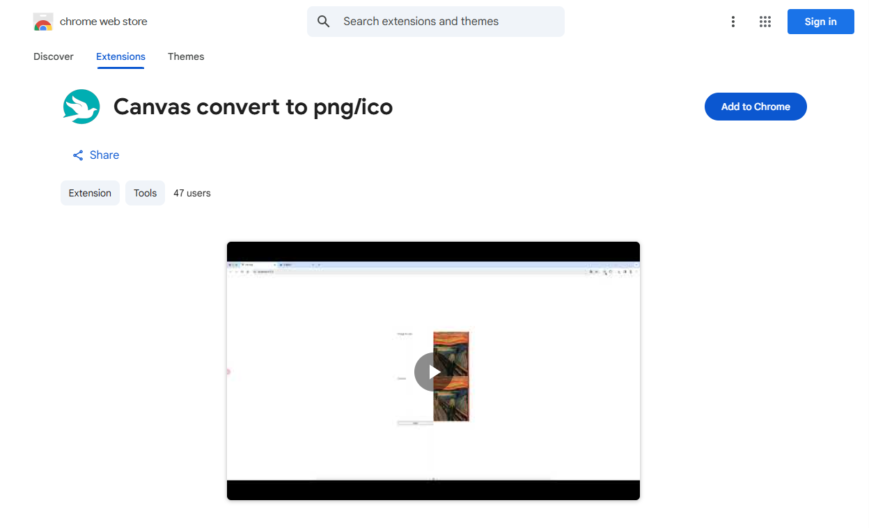
Canvas to PNG/ICO is a Chrome extension that allows users to convert HTML5 canvas elements to PNG or ICO images with a single click. It's useful for developers, designers, and gamers who need to capture and save canvas content. The extension supports various image sizes, resolutions,...
Canvas to PNG/ICO is a Chrome extension that allows users to convert HTML5 canvas elements to PNG or ICO images with a single click. It's useful for developers, designers, and gamers who need to capture and save canvas content. The extension supports various image sizes, resolutions, and formats, and also allows users to customize the output file name and location. With over 400,000 users, it's a popular tool for anyone working with HTML5 canvas elements.
Convert web pages to PNG images with a single click.
Capture entire web pages or selected regions.
Supports conversion of HTML5, CSS3, and JavaScript content.
Preserves layout, formatting, and styling of original web pages.
Allows customization of image resolution, quality, and file format.
Enables batch conversion of multiple web pages at once.
Provides options for adding watermarks, captions, and annotations.
Supports saving images to local disk or cloud storage services.
You Got Questions,We Got Answers
What is Canvas Convert to PNG/ICO?
Canvas Convert to PNG/ICO is a Chrome extension that allows users to easily convert canvas elements from a webpage into PNG or ICO image formats. This is useful for saving graphical content in different formats for various use cases.
How does Canvas Convert to PNG/ICO work?
Canvas Convert to PNG/ICO works by detecting the canvas elements on a webpage and providing an option to convert them into PNG or ICO formats. Users can simply select the format they need and save the rendered image.
Is Canvas Convert to PNG/ICO free to use?
Canvas Convert to PNG/ICO is completely free to use. Users can install the Chrome extension and start converting canvas elements without any cost.
Can I convert multiple canvas elements at once?
Canvas Convert to PNG/ICO currently allows users to convert individual canvas elements at a time. If a webpage has multiple canvas elements, users will need to convert them separately.
Does Canvas Convert to PNG/ICO require an internet connection?
Canvas Convert to PNG/ICO works directly within the browser and does not require an internet connection for conversion. However, an internet connection is needed to download and install the extension.
Is Canvas Convert to PNG/ICO safe to use?
Canvas Convert to PNG/ICO is designed to be safe, as it only processes canvas elements within the browser and does not collect user data. It follows standard security measures to ensure a secure experience.
Can I use Canvas Convert to PNG/ICO on any website?
Canvas Convert to PNG/ICO works on most websites that contain canvas elements. However, some restricted or protected pages may prevent access to certain elements for security reasons.
How do I install Canvas Convert to PNG/ICO?
Canvas Convert to PNG/ICO can be installed from the Chrome Web Store. Simply visit the extension page, click "Add to Chrome," and follow the instructions to complete the installation.
How do I uninstall Canvas Convert to PNG/ICO?
Canvas Convert to PNG/ICO can be removed by going to the Chrome Extensions page, finding the extension, and clicking "Remove." This will uninstall the extension from your browser.
Where can I get support for Canvas Convert to PNG/ICO?
Canvas Convert to PNG/ICO support can be accessed through the Chrome Web Store listing. Users can check the extension details, read reviews, or contact the developer for assistance.
Use cases
Healthcare
Medical illustrators use Canvas to Convert to PNG ICO to create high-quality icons for medical software and websites, ensuring accurate representations of complex anatomical structures for healthcare professionals and patients
Finance
Financial analysts utilize Canvas to Convert to PNG ICO to generate custom icons for financial dashboards and reports, facilitating quick identification of market trends and portfolio performance
Retail
E-commerce designers employ Canvas to Convert to PNG ICO to create product icons and favicons for online storefronts, enhancing the visual appeal and branding of retail websites
Manufacturing
Industrial designers leverage Canvas to Convert to PNG ICO to develop custom icons for equipment interfaces and instructional materials, improving operator efficiency and safety
Marketing
Digital marketers use Canvas to Convert to PNG ICO to create engaging social media icons and favicons, increasing brand recognition and online engagement
Education
Educational developers utilize Canvas to Convert to PNG ICO to design interactive icons for online learning platforms and educational software, enhancing the learning experience for students
Traffic and Engagement
Apr 2026 - Jun 2026
World wide
Monthly visitors (June)
209.8m
Page/Visit
2.9
Visit Duration
1m 55s
Bounce Rate
0.6%
Pricing
FREE
$0
Canvas Image Converter – Chrome Extension Embeds
Copied!
Let your community know you're live on Skillcurb! Just drop a badge on your site’s homepage with just a few clicks. Showcasing the badge helps increase your visibility and connects you with users actively exploring top AI tools.