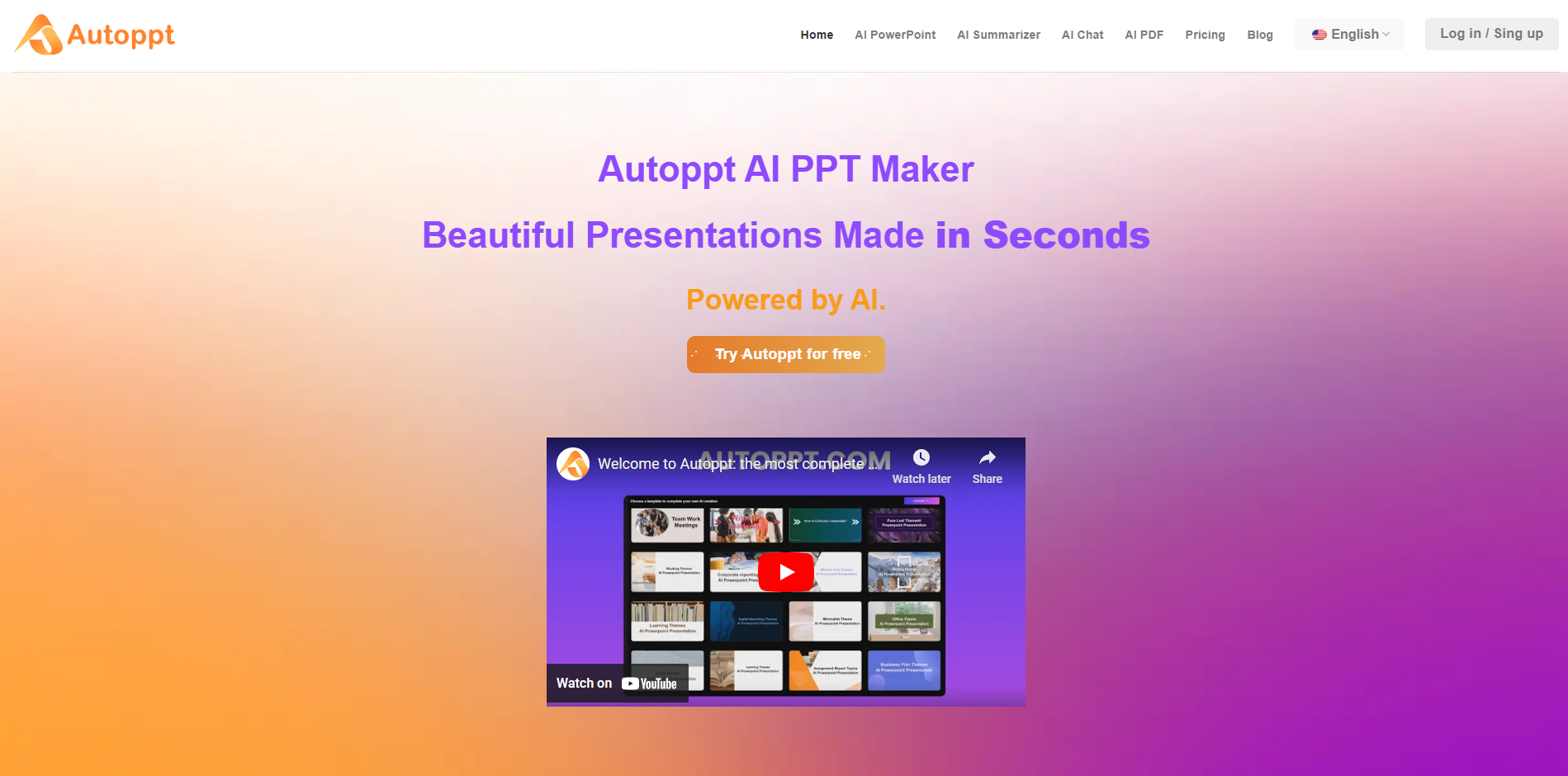
AutoPPT streamlines PowerPoint creation with AI-driven features that generate professional slides quickly and effortlessly. It simplifies the workflow for individuals and teams by reducing the time spent designing and formatting presentations. With intuitive tools and templates, AutoPPT improves productivity and presentation quality, making it ideal for...
AutoPPT streamlines PowerPoint creation with AI-driven features that generate professional slides quickly and effortlessly. It simplifies the workflow for individuals and teams by reducing the time spent designing and formatting presentations. With intuitive tools and templates, AutoPPT improves productivity and presentation quality, making it ideal for business professionals, educators, and students seeking polished slides in less time.
Create PowerPoint presentations quickly using AI-powered tools for content generation.
Access a library of templates to suit multiple presentation types and styles.
Incorporate images, videos, and charts to enrich presentations visually and structurally.
Receive AI-generated content suggestions for better structure, organization, and clarity.
Collaborate live with your team while developing professional presentations efficiently.
Preview and edit slides instantly for top-notch quality and visual consistency.
Export your presentation in multiple formats, ensuring easy access and compatibility.
Enjoy a simplified, intuitive interface designed for efficient and creative presentation creation.
You Got Questions,We Got Answers
What is AutoPPT?
AutoPPT is an AI-powered presentation tool designed to help users create engaging and professional presentations quickly and efficiently. It automates the process of slide creation, providing users with templates, designs, and content suggestions tailored to their needs.
How does AutoPPT work?
AutoPPT leverages artificial intelligence to analyze user input and generate relevant slides. Users can simply input their topic, and the tool will provide a complete presentation with suggested layouts, images, and text, streamlining the presentation-making process.
Is AutoPPT free to use?
AutoPPT offers a free version with basic features, but users can upgrade to a premium subscription for access to advanced options, additional templates, and enhanced customization capabilities to suit their presentation needs.
Can I customize presentations created by AutoPPT?
AutoPPT Yes, AutoPPT allows users to customize the presentations it generates. Users can edit text, change layouts, and modify designs to create a final product that aligns with their personal style and branding.
Does AutoPPT support collaboration?
AutoPPT Yes, AutoPPT supports collaborative features, allowing multiple users to work on presentations simultaneously. This is beneficial for teams working together on projects, enabling real-time editing and feedback.
Is my data safe with AutoPPT?
AutoPPT is committed to user privacy and data security. The platform employs encryption and follows strict data protection policies to ensure that any information entered by users is secure and confidential.
Can I access AutoPPT on mobile devices?
AutoPPT Yes, AutoPPT is designed to be accessible on mobile devices through web browsers. This allows users to create and edit presentations on the go, ensuring flexibility and convenience.
How can I get support for AutoPPT?
AutoPPT Users can contact AutoPPT support via the official website, where they can access a help center, FAQs, and customer service options for assistance with any issues or questions they may have.
Traffic and Engagement
Jan 2026 - Mar 2026
World wide
Monthly visitors (March)
274.1k
Page/Visit
6.4
Visit Duration
2m 44s
Bounce Rate
0.4
Pricing
Freemium
$19.99
Autoppt Embeds
Copied!
Let your community know you're live on Skillcurb! Just drop a badge on your site’s homepage with just a few clicks. Showcasing the badge helps increase your visibility and connects you with users actively exploring top AI tools.