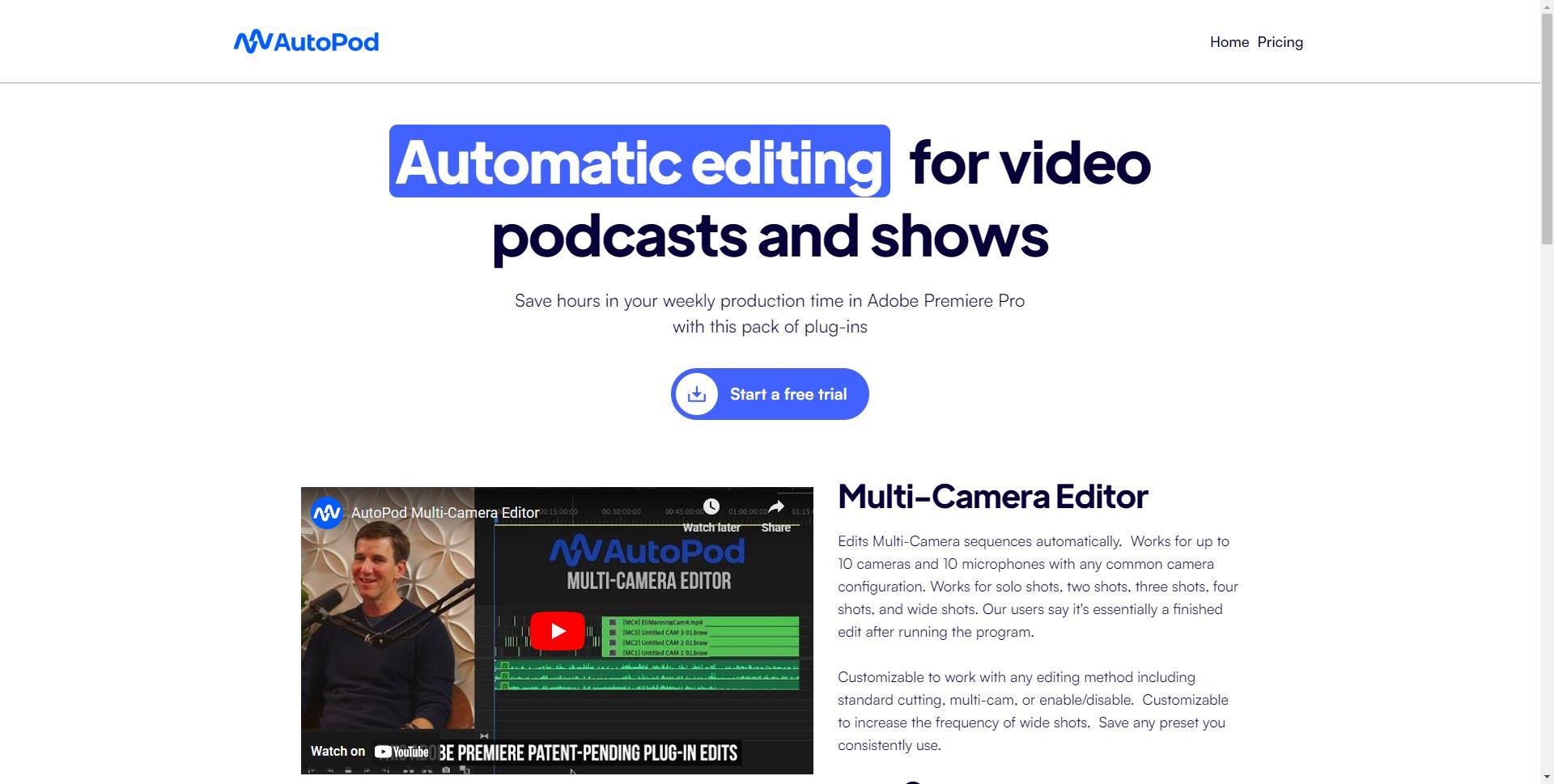
AutoPod is a set of plugins for Adobe Premiere Pro that automates video podcast editing tasks. It offers features like multi-camera editing, jump cut creation, and social clip generation. AutoPod supports up to 10 cameras and microphones, allowing for seamless editing of complex setups. The tool...
AutoPod is a set of plugins for Adobe Premiere Pro that automates video podcast editing tasks. It offers features like multi-camera editing, jump cut creation, and social clip generation. AutoPod supports up to 10 cameras and microphones, allowing for seamless editing of complex setups. The tool is designed to save time and enhance productivity for podcasters and video editors, streamlining the post-production process.
Automate multi-camera editing in Adobe Premiere Pro.
Create social media clips with auto-reframe and watermarks.
Generate jump cuts by detecting silences.
Synchronize audio tracks from multiple sources.
Customize clip aspect ratios for various platforms.
Batch export clips with a single click.
Save time on repetitive editing tasks.
Designed for podcasters and content creators.
You Got Questions,We Got Answers
What is AutoPod?
AutoPod is a set of Adobe Premiere Pro plug-ins designed to automate the editing process for video podcasts and shows. It streamlines tasks like multi-camera editing and social clip creation, saving editors significant time.
How does AutoPod work?
AutoPod integrates with Adobe Premiere Pro to automatically edit multi-camera sequences, create social clips, and remove silent sections. It supports up to 10 cameras and microphones, accommodating various podcast setups.
Is AutoPod free to use?
AutoPod offers a 30-day free trial. After the trial, the subscription costs $29 per month or $313.20 annually, with one month free per year for annual billing.
Can I customize my videos with AutoPod?
AutoPod provides customizable presets for editing methods, including standard cutting and multi-cam setups. Users can adjust settings to fit their specific editing style and workflow.
Is AutoPod available on mobile?
AutoPod is not available as a mobile app. It functions as a plug-in for Adobe Premiere Pro, which is a desktop application, limiting its use to desktop environments.
Does AutoPod store my data?
AutoPod processes your video content locally within Adobe Premiere Pro. For detailed information on data handling and privacy practices, it's recommended to review their privacy policy provided on their website.
How accurate is AutoPod?
AutoPod delivers high-quality, professional-grade edits by accurately simulating real-world editing conventions. The platform's advanced algorithms ensure that the generated content meets industry standards.
Can I integrate AutoPod with other platforms?
AutoPod is designed specifically for Adobe Premiere Pro. Integration with other platforms may be limited, and it's advisable to consult their support documentation for specific integration options.
Use cases
Marketing
AutoPod enables marketers to automate editing of promotional videos by removing silences, switching camera angles, and generating social media clips, streamlining content creation and enhancing audience engagement
Retail
Retailers utilize AutoPod to efficiently produce product demonstration videos with multi-camera setups and automatic jump cuts, improving online catalogs and increasing customer interest
Education
Educators employ AutoPod to create engaging instructional videos by automating multi-camera editing and removing unnecessary pauses, facilitating better comprehension and retention among students.
Traffic and Engagement
Jan 2026 - Mar 2026
World wide
Monthly visitors (March)
1.6m
Page/Visit
2.97
Visit Duration
4m 27s
Bounce Rate
45.95%
Pricing
Paid
$313.20
AutoPod Embeds
Copied!
Let your community know you're live on Skillcurb! Just drop a badge on your site’s homepage with just a few clicks. Showcasing the badge helps increase your visibility and connects you with users actively exploring top AI tools.