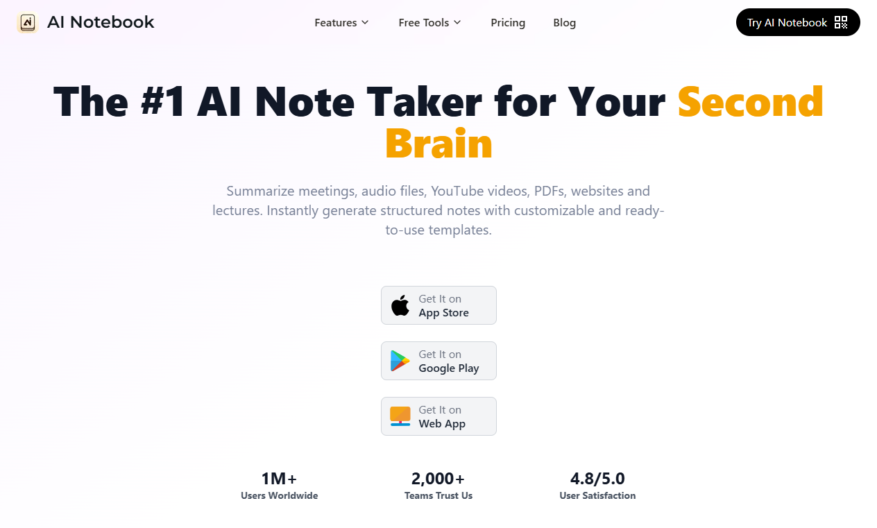
AI Notebook is a revolutionary tool designed to enhance your note-taking experience by harnessing the power of artificial intelligence. It allows users to seamlessly organize a variety of content types including text, images, audio, and video notes to create a comprehensive second brain. With just a...
AI Notebook is a revolutionary tool designed to enhance your note-taking experience by harnessing the power of artificial intelligence. It allows users to seamlessly organize a variety of content types including text, images, audio, and video notes to create a comprehensive second brain. With just a few clicks, you can upload anything from audio recordings and photographs to YouTube links and receive intelligent summaries, flashcards, and quizzes tailored to your specific needs. The core features of AI Notebook include smart summaries that distill information effectively, flexible capture options to accommodate different formats, and tools aimed at boosting individual productivity. It serves multiple use cases such as generating study guides with quizzes, transcribing audio and voice notes, and summarizing YouTube videos. Whether you are a student striving to study better or a professional looking to streamline your workflow, AI Notebook is designed for everyone seeking to boost efficiency and organize ideas more effectively. With dedicated customer support and an intuitive interface, you can easily explore the benefits of this innovative tool.
Organize thoughts with a flexible note-taking system that adapts to your needs.
Capture and connect ideas using a hierarchical note structure with infinite nesting.
Use a distraction-free writing environment with adjustable font sizes and colors.
Create custom tags and filters to categorize and prioritize your notes.
Develop a knowledge base with links between related notes and ideas.
Access your notes from anywhere with seamless synchronization across devices.
Use keyboard shortcuts and intuitive gestures for efficient navigation and editing.
You Got Questions,We Got Answers
What is AINotebook?
AINotebook is a digital note-taking app designed to help users organize and prioritize their notes, tasks, and ideas in a flexible and customizable way, providing a seamless experience across all devices.
How does it work?
AINotebook allows users to create notes, folders, and tags to categorize and structure their content, with features like drag-and-drop functionality, real-time search, and customizable layouts, making it easy to get started and stay organized.
Is AINotebook free?
AINotebook offers a free plan with limited features, allowing users to try out the app before deciding to upgrade to a premium subscription, which unlocks additional features and support for unlimited notes and storage.
Can I use AINotebook offline?
AINotebook is a cloud-based app, but it also provides offline access, allowing users to continue working on their notes even without an internet connection, with changes synced automatically when online again.
Is my data secure?
AINotebook takes data security seriously, using industry-standard encryption and secure servers to protect user data, ensuring that all information remains confidential and protected from unauthorized access or breaches.
Can I collaborate with others?
AINotebook currently does not offer real-time collaboration features, but users can share individual notes or folders via a shareable link, allowing them to collaborate with others in a more controlled and flexible way.
Use cases
Healthcare
Medical researchers can use AINotebook to annotate and collaborate on medical images, accelerating diagnosis and treatment of diseases such as cancer and neurological disorders
Finance
Portfolio managers can utilize AINotebook to analyze and annotate financial charts and graphs, identifying trends and making data-driven investment decisions
Retail
E-commerce companies can employ AINotebook to annotate product images, improving product categorization, and enabling more accurate visual search and recommendation algorithms
Manufacturing
Quality control teams can leverage AINotebook to annotate and track defects in manufacturing, reducing production downtime and improving overall quality of products
Marketing
Brand managers can use AINotebook to annotate and analyze customer feedback, sentiment, and preferences, informing targeted marketing campaigns and product development
Education
Teachers can utilize AINotebook to create interactive lesson plans, annotating multimedia content and engaging students in active learning and discussion
Traffic and Engagement
Mar 2026 - May 2026
World wide
Monthly visitors (May)
1.9k
Page/Visit
1.6
Visit Duration
57s
Bounce Rate
0.7%
Pricing
Freemium
$11.99
AI Notebook Embeds
Copied!
Let your community know you're live on Skillcurb! Just drop a badge on your site’s homepage with just a few clicks. Showcasing the badge helps increase your visibility and connects you with users actively exploring top AI tools.