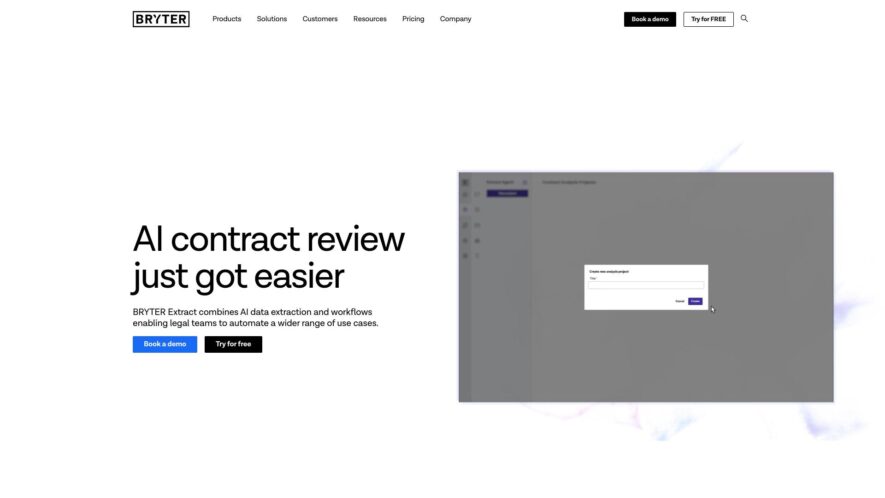
BRYTER Extract is the new generation of legal AI software that makes it faster, easier and more affordable for legal teams to use AI to review and analyze contracts.
BRYTER helps legal teams accelerate contract review and data extraction by combining AI-powered analysis with no-code workflow automation. It streamlines processes by enabling users to upload documents, define data points, and receive structured outputs linked to source clauses all without prior AI training. With features like...
BRYTER helps legal teams accelerate contract review and data extraction by combining AI-powered analysis with no-code workflow automation. It streamlines processes by enabling users to upload documents, define data points, and receive structured outputs linked to source clauses all without prior AI training. With features like customizable data models, multilingual support, and seamless integration into rule-based workflows for tasks like repapering and document generation, it enhances efficiency and accuracy.
Automated Data Extraction from Documents: Automatically identifies and pulls specific data points from various document types
Optical Character Recognition (OCR) Capabilities: Extracts text from scanned documents and images for further processing
Structured Data Output: Organizes the extracted information into structured formats like tables or JSON for easy use
Customizable Extraction Rules: Allows users to define specific rules and parameters for extracting relevant data fields
Integration with Other Systems: Connects with other platforms and tools for seamless data flow and workflow automation
Validation and Error Handling: Includes mechanisms to validate the accuracy of extracted data and handle potential errors.
You Got Questions,We Got Answers
What is Bryter Extract?
Bryter Extract is a document automation and extraction platform powered by AI. It helps businesses extract valuable data from complex documents to streamline workflows and automate decision-making processes.
Who can benefit from using Bryter Extract?
Bryter Extract is ideal for legal professionals, financial institutions, insurance companies, and enterprises that deal with large volumes of unstructured data in documents.
How does Bryter Extract work?
Bryter Extract uses advanced AI and natural language processing (NLP) to automatically read, analyze, and extract key data from documents such as contracts, agreements, invoices, and more.
Can Bryter Extract be integrated with other tools?
Bryter Extract offers integration capabilities with popular enterprise tools and systems, allowing businesses to integrate document data into their existing workflows.
Is Bryter Extract customizable?
Bryter Extract provides customization options, including creating specific extraction rules and templates for different types of documents to meet unique business needs.
Does Bryter Extract support multiple document types?
Bryter Extract supports various document formats, including PDFs, Word documents, and scanned images, making it versatile for different business use cases.
Is Bryter Extract secure?
Bryter Extract follows strict security measures, including data encryption and compliance with data protection regulations like GDPR, ensuring the safety of user data.
Can Bryter Extract help with compliance and audits?
Bryter Extract aids in compliance by automating the extraction of relevant data for audits, reducing human error, and ensuring that documents are processed efficiently and in line with regulations.
Use cases
Marketing
Marketers utilize BRYTER Extract to automate the extraction of key clauses from partnership agreements and vendor contracts, enabling faster review and integration into campaign workflows
Education
Educational institutions employ BRYTER Extract to analyze faculty and vendor contracts, streamlining administrative processes and ensuring compliance with institutional policies
Retail
Retailers use BRYTER Extract to review supplier agreements and lease documents, facilitating efficient contract management and operational decision-making
Manufacturing
Manufacturers implement BRYTER Extract to extract critical information from procurement and supply chain contracts, enhancing oversight and compliance
Healthcare
Healthcare providers leverage BRYTER Extract to analyze service agreements and regulatory documents, ensuring adherence to compliance standards and improving administrative efficiency
Finance
Financial institutions adopt BRYTER Extract to automate the review of investment agreements and regulatory filings, improving accuracy and reducing the time required for due diligence.
Traffic and Engagement
Feb 2026 - Apr 2026
World wide
Monthly visitors (April)
8.5k
Page/Visit
2.1
Visit Duration
39s
Bounce Rate
0.5%
Pricing
Freemium
$1200
BRYTER Embeds
Copied!
Let your community know you're live on Skillcurb! Just drop a badge on your site’s homepage with just a few clicks. Showcasing the badge helps increase your visibility and connects you with users actively exploring top AI tools.