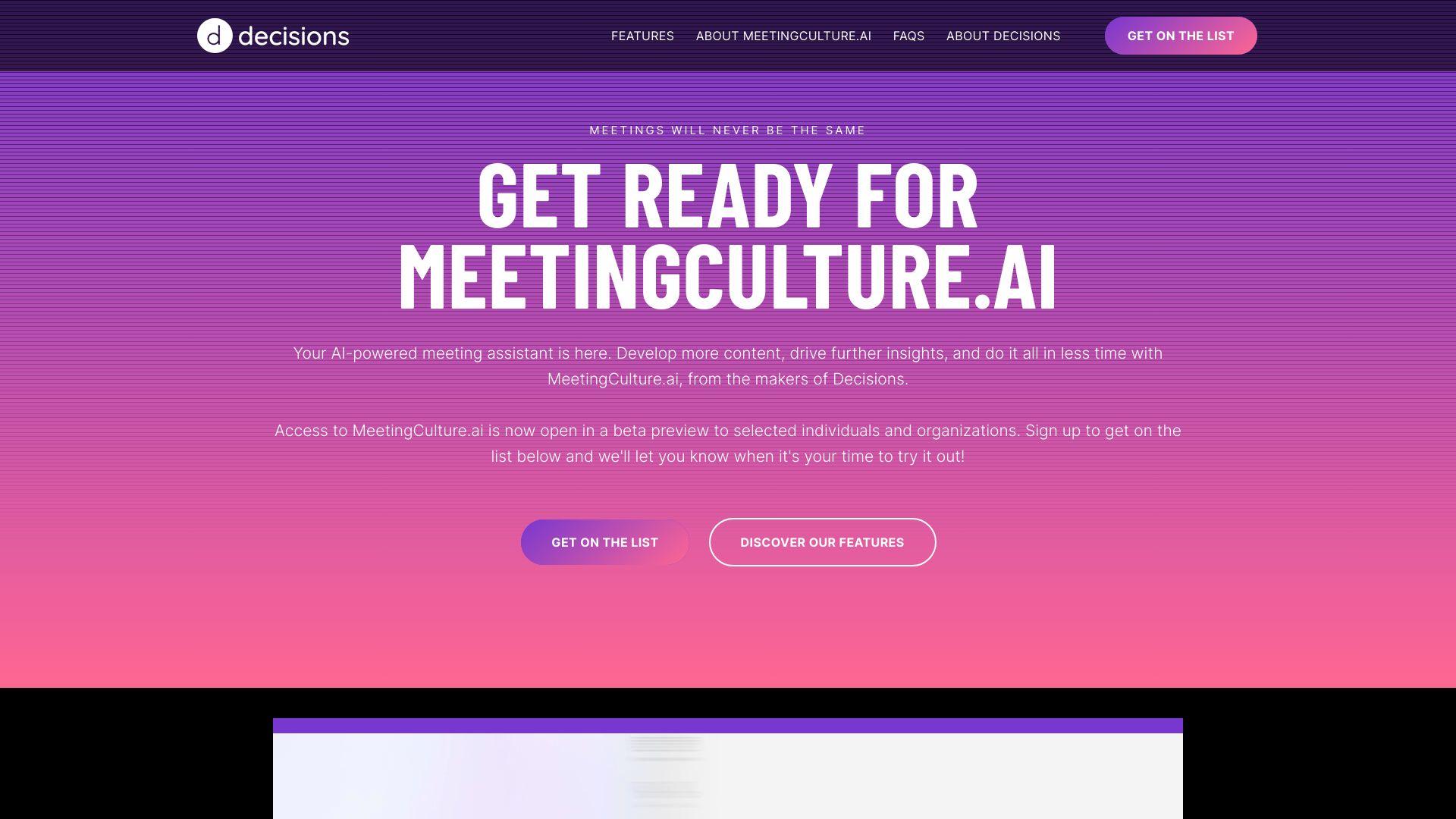
Decisions provides tools to improve the quality and effectiveness of meetings. It focuses on enhancing organizational meeting culture by offering structured agendas, actionable insights, and feedback mechanisms. This platform makes meetings more productive, engaging, and aligned with goals. Explore its capabilities to enhance communication, engagement, and...
Decisions provides tools to improve the quality and effectiveness of meetings. It focuses on enhancing organizational meeting culture by offering structured agendas, actionable insights, and feedback mechanisms. This platform makes meetings more productive, engaging, and aligned with goals. Explore its capabilities to enhance communication, engagement, and alignment within your organization’s meetings and collaborations.
Improve meeting effectiveness with structured agendas and clear goal oriented frameworks.
Capture action items and decisions automatically using AI driven note taking and transcription.
Collect participant feedback and measure engagement and meeting quality through surveys.
Analyze meeting data to identify patterns and improve collaboration practices over time.
Provide visual summaries of discussions for quick team alignment and reference afterward.
Minimize distractions with noise cancellation and focus enhancing features during virtual meetings.
Facilitate collaboration by centralizing communication and resources in a unified platform.
Customize meeting settings to align with organizational needs and support hybrid teams.
You Got Questions,We Got Answers
What is Decisions?
Decisions is a platform designed to optimize company meetings using AI-powered recommendations. It helps teams foster a culture of effective and inclusive meetings by analyzing meeting behavior and providing insights to improve time management and collaboration.
How does Decisions work?
Decisions integrates with calendar systems like Google Calendar and Microsoft Outlook to analyze meeting data. It provides real-time insights, identifies inefficiencies, and offers personalized recommendations to enhance meeting culture across the organization.
Is Decisions free to use?
Decisions offers a free plan with essential features and tiered pricing for premium plans. These plans include more advanced analytics, team-based insights, and custom integrations suited for organizational use.
What integrations does Decisions support?
Decisions supports integrations with Google Workspace and Microsoft 365 products. These integrations allow seamless access to calendar data and collaboration tools for generating AI-powered meeting insights.
Can I use Decisions with my existing calendar?
Decisions Yes, Meeting Culture AI connects directly with your existing calendar (Google Calendar or Outlook) to monitor and analyze meetings without disrupting your current workflow.
Does Decisions store my data?
Decisions respects user privacy and complies with data protection regulations. It stores minimal information required to generate insights and follows enterprise-grade security practices to protect user data.
Who can benefit fromDecisions?
Decisions is ideal for HR teams, department heads, executives, and business leaders seeking to reduce meeting overload, improve productivity, and promote a healthier work culture across distributed teams.
How do I set up Decisions?
Decisions To set up Meeting Culture AI, users sign up on the website and connect their calendar system. The platform then begins analyzing patterns and provides actionable insights tailored to the organization.
Can Decisions help reduce unnecessary meetings?
Decisions Yes, Decisions identifies redundant, lengthy, or poorly attended meetings and offers solutions to streamline them. It encourages behaviors such as setting clear agendas and reducing unnecessary invites.
How can I contact Decisions support?
Decisions Users can reach Decisions support via the website's contact form or email. The team provides assistance with onboarding, technical questions, and product feedback.
Traffic and Engagement
Jan 2026 - Mar 2026
World wide
Monthly visitors (March)
0.2k
Page/Visit
1.2
Visit Duration
26s
Bounce Rate
0.4
Pricing
Freemium
$14
Decisions Embeds
Copied!
Let your community know you're live on Skillcurb! Just drop a badge on your site’s homepage with just a few clicks. Showcasing the badge helps increase your visibility and connects you with users actively exploring top AI tools.