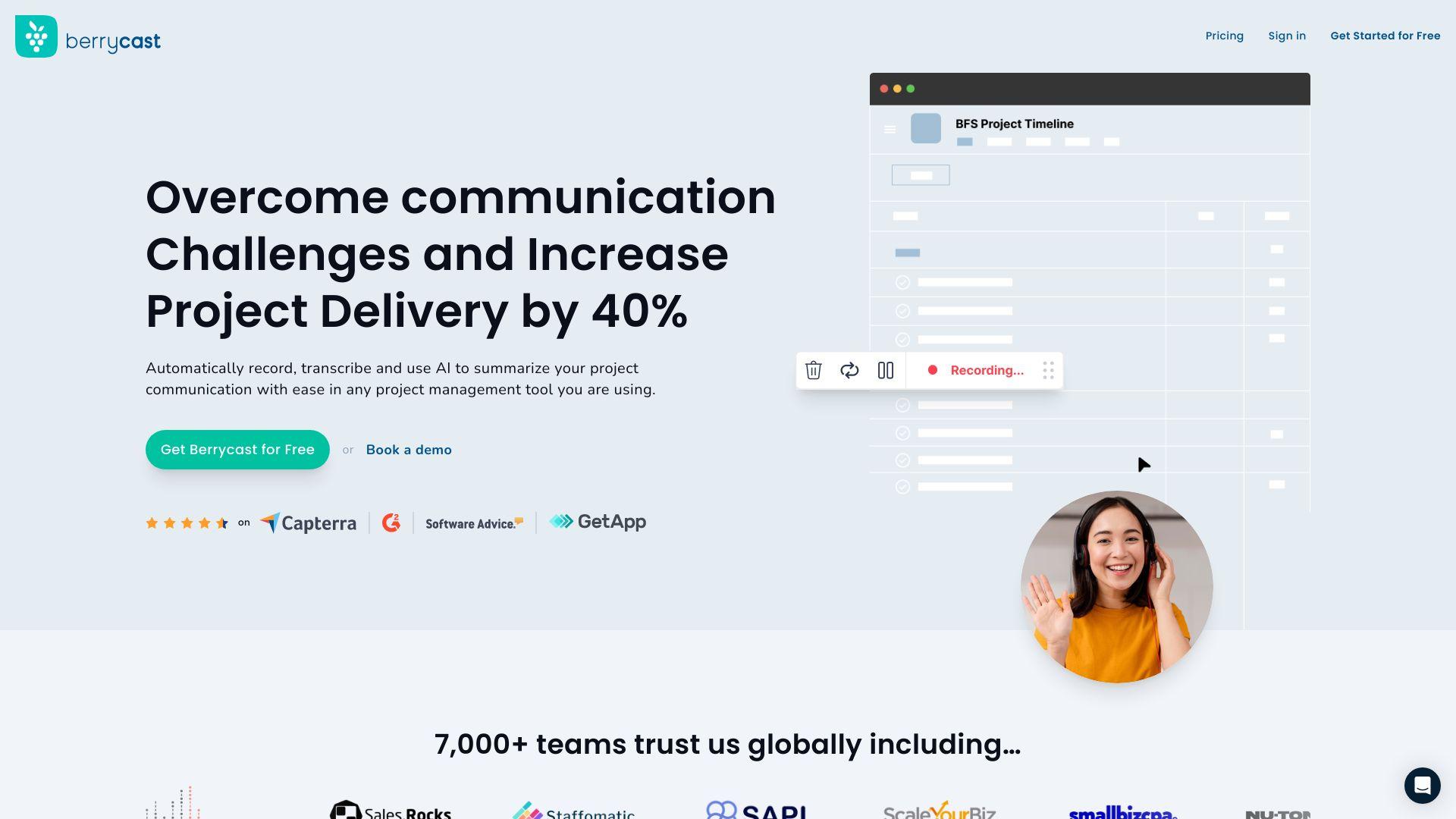
Berrycast is an intuitive screen recording and video messaging platform designed to enhance communication and collaboration. It allows users to record their screen, webcam, and audio simultaneously, creating comprehensive video messages. With features like one-click sharing, annotations, and password protection, Berrycast streamlines the process of conveying...
Berrycast is an intuitive screen recording and video messaging platform designed to enhance communication and collaboration. It allows users to record their screen, webcam, and audio simultaneously, creating comprehensive video messages. With features like one-click sharing, annotations, and password protection, Berrycast streamlines the process of conveying complex information. Ideal for tutorials, presentations, and client communications, it integrates seamlessly with tools like Microsoft Teams and Outlook.
Record screen and webcam simultaneously for clear communication.
Trim videos and add time-stamped comments for precise feedback.
Share videos via direct links, email, or embed codes.
Protect content with optional password settings.
Track viewer engagement with built-in video analytics.
Integrate seamlessly with Gmail, Outlook, and Microsoft Teams.
Capture full screen, selected areas, or specific browser tabs.
Utilize a browser extension for quick video creation.
You Got Questions,We Got Answers
What is Berrycast?
Berrycast is an AI-powered screen recording and video messaging platform designed for professionals. It enables users to capture their screen and webcam simultaneously, enhancing communication with clients and team members through personalized video messages.
How does Berrycast work?
Berrycast operates via a browser extension or desktop application. Users can start recording by clicking the extension icon or launching the app, select their recording preferences, and then share the generated video link with others.
Is Berrycast free to use?
Berrycast offers a free plan that includes up to 10 videos per month with basic features. Paid plans start at $9.99 per user per month, providing additional features like unlimited recordings, custom branding, and password protection.
Can I customize my videos with Berrycast?
Berrycast allows customization through features like custom branding, including logos and colors, and password protection for shared videos. These options help maintain brand consistency and secure content sharing.
Is Berrycast available on mobile?
Berrycast is primarily a web-based platform accessible through modern browsers on both desktop and mobile devices. While there isn't a dedicated mobile app, the platform's mobile-friendly design ensures usability across devices.
Does Berrycast store my data?
Berrycast processes and stores your recordings on its servers. For detailed information on data storage and privacy practices, it's recommended to review their privacy policy provided on their website.
How accurate is Berrycast?
Berrycast provides high-quality recordings with accurate screen capture and webcam integration. The platform ensures synchronization between audio and video, delivering clear and professional content suitable for various professional purposes.
Can I integrate Berrycast with other platforms?
Berrycast supports integrations with platforms like Gmail and Microsoft Outlook, allowing for seamless sharing of recorded videos. For more detailed integration options, it's advisable to consult their support documentation or contact customer service.
Use cases
Marketing
Berrycast enables marketers to create personalized video messages, product demos, and campaign reviews by recording screen and webcam simultaneously, enhancing audience engagement and streamlining content creation
Retail
Retailers utilize Berrycast to produce product walkthroughs and customer support videos, improving online shopping experiences and reducing return rates
Education
Educators employ Berrycast to develop instructional videos and feedback sessions by capturing screen and voice, facilitating better comprehension and student engagement.
Traffic and Engagement
Jan 2026 - Mar 2026
World wide
Monthly visitors (March)
96.6k
Page/Visit
1.85
Visit Duration
13m 33s
Bounce Rate
78.48%
Pricing
Freemium
$5
Berrycast Embeds
Copied!
Let your community know you're live on Skillcurb! Just drop a badge on your site’s homepage with just a few clicks. Showcasing the badge helps increase your visibility and connects you with users actively exploring top AI tools.