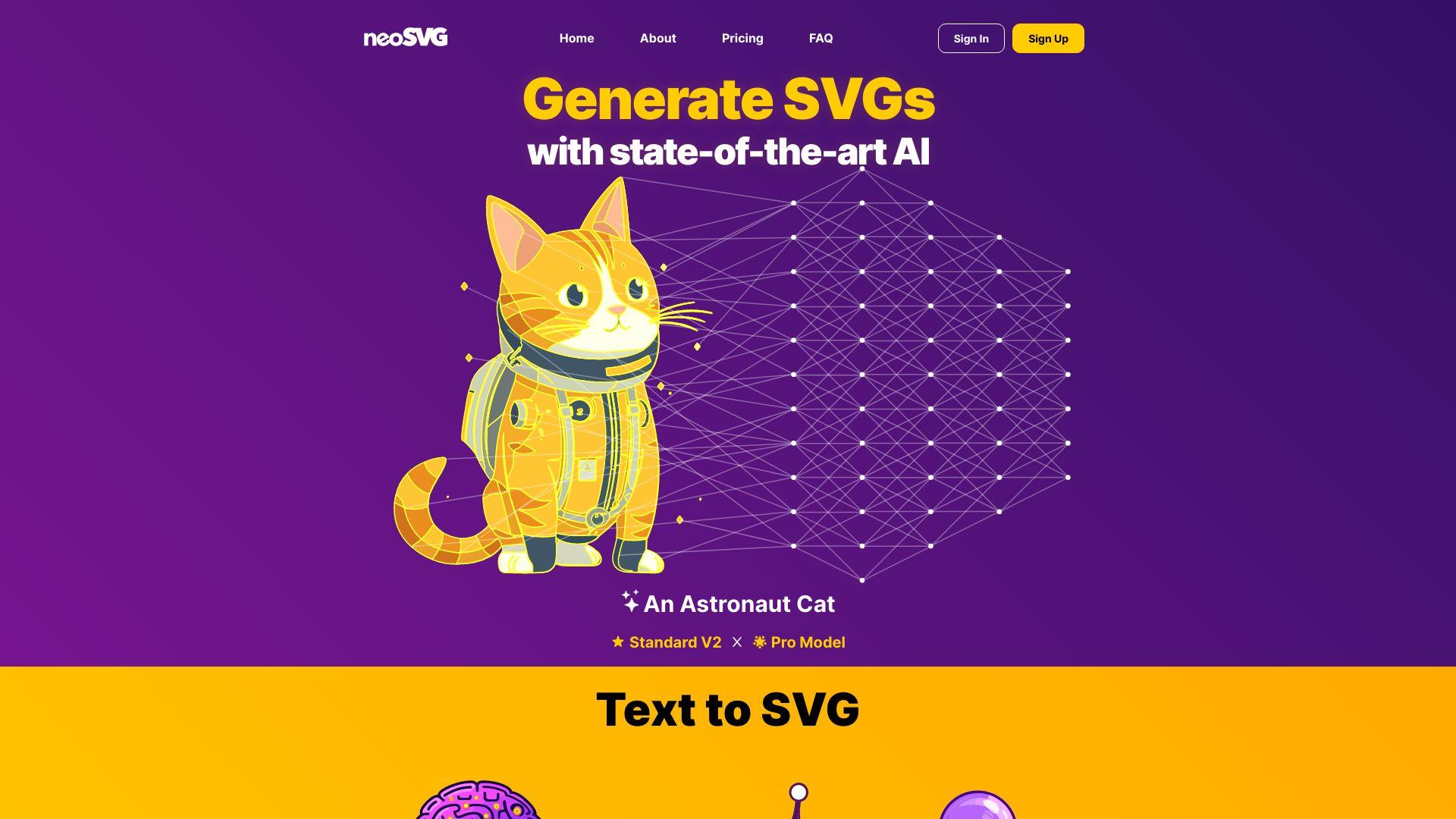
Neosvg is a powerful tool designed for creating and optimizing SVG graphics effortlessly. It offers intuitive features that enable designers and developers to generate high-quality vector illustrations with precision. With its advanced capabilities, Neosvg streamlines the design process, ensuring flexibility and efficiency for a wide range...
Neosvg is a powerful tool designed for creating and optimizing SVG graphics effortlessly. It offers intuitive features that enable designers and developers to generate high-quality vector illustrations with precision. With its advanced capabilities, Neosvg streamlines the design process, ensuring flexibility and efficiency for a wide range of creative and professional projects. Whether for web design, branding, or illustration, Neosvg simplifies SVG creation and optimization, enhancing productivity and design quality.
Provides personalized feedback to improve overall writing skills.
You Got Questions,We Got Answers
What is NeoSVG?
NeoSVG is an online tool that allows users to convert images into SVG (Scalable Vector Graphics) format using AI technology. It helps designers and developers create high-quality vector graphics with ease.
How does NeoSVG work?
NeoSVG uses artificial intelligence to analyze and convert raster images into scalable vector graphics. Users upload an image, and the tool processes it to generate an SVG file that maintains quality at any resolution.
Is NeoSVG free to use?
NeoSVG offers both free and premium plans. The free version provides basic SVG conversion, while the premium plan unlocks additional features such as higher quality conversions and customization options.
What types of images can NeoSVG convert?
NeoSVGsupports a variety of image formats, including PNG, JPG, and BMP. Users can upload these file types, and the tool will process them into SVG format while retaining important details.
Can I edit the SVG files generated by NeoSVG?
NeoSVG Yes, the SVG files generated by NeoSVG can be edited using vector editing software such as Adobe Illustrator, Inkscape, or other design tools. The tool provides clean, scalable output suitable for further customization.
Does NeoSVG store uploaded images?
NeoSVGprioritizes user privacy and does not store uploaded images permanently. Files are processed for conversion and then deleted from the server after a short period to ensure security.
Is NeoSVG compatible with all browsers?
NeoSVG Yes, NeoSVG is a web-based tool that works on all modern browsers, including Google Chrome, Firefox, Safari, and Edge. Users can access and use the tool without the need for additional software.
Can I use NeoSVG-generated SVGs for commercial purposes?
NeoSVG Yes, SVG files created with NeoSVG can be used for personal and commercial projects. However, users should ensure they have the rights to the original images they upload for conversion.
Use cases
Marketing
Marketers can use NeoSVG to generate high-quality vector graphics for branding, advertisements, and social media, ensuring visually appealing and professional content.
Retail
Retailers can create custom SVG designs for product packaging, promotional materials, and e-commerce visuals, strengthening brand identity and customer engagement.
Manufacturing
Manufacturers can leverage NeoSVG for precise technical illustrations, logo designs, and scalable product visuals, streamlining both production and marketing efforts.
Education
Educators and students can utilize NeoSVG for digital design projects, infographics, and presentations, enhancing creativity and making learning more visually engaging.
Traffic and Engagement
Jan 2026 - Mar 2026
World wide
Monthly visitors (March)
2.3k
Page/Visit
3.76
Visit Duration
0s
Bounce Rate
0.5
Pricing
Paid
$15
neoSVG Embeds
Copied!
Let your community know you're live on Skillcurb! Just drop a badge on your site’s homepage with just a few clicks. Showcasing the badge helps increase your visibility and connects you with users actively exploring top AI tools.