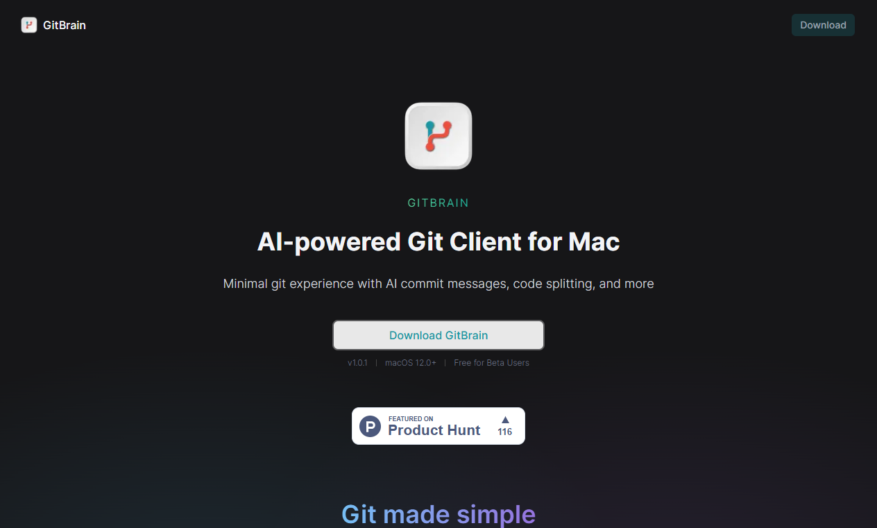
Introducing our revolutionary tool designed for those who seek to maximize productivity and efficiency in their daily tasks. This user-friendly solution streamlines workflows, ensuring that users can accomplish more in less time. With a sleek interface, the tool offers intuitive navigation that allows even beginners to...
Introducing our revolutionary tool designed for those who seek to maximize productivity and efficiency in their daily tasks. This user-friendly solution streamlines workflows, ensuring that users can accomplish more in less time. With a sleek interface, the tool offers intuitive navigation that allows even beginners to harness its powerful features effortlessly. Its robust functionality enables seamless integration with various applications, making it the perfect choice for professionals across multiple industries. Whether you are managing projects, collaborating with teams, or organizing your personal tasks, this tool adapts to your needs. The customizable settings allow for a personalized experience, ensuring that you remain focused and motivated throughout your day. Experience the ultimate balance of productivity and organization, as it assists you in achieving your goals without overwhelming you. As you explore its capabilities, you will discover an array of options that enhance time management and facilitate team collaboration. Elevate your workflow to new heights and embrace a more efficient future with this indispensable tool. Take the leap and transform the way you approach your daily challenges.
Visualize Git repository structure and relationships with interactive graph diagrams.
Explore commit history and track changes with detailed code review features.
Identify and resolve merge conflicts with intuitive conflict resolution tools.
Collaborate with team members using real-time commenting and discussion features.
Track code quality and maintainability with integrated code analysis metrics.
Automate testing and deployment with seamless CI/CD pipeline integration.
Manage access and permissions with customizable role-based access control.
Integrate with popular development tools using extensive API and webhook support.
You Got Questions,We Got Answers
What is GitBrain?
GitBrain is a web-based code review tool that allows developers to review and discuss code changes in a collaborative and efficient manner, providing features such as code commenting, issue tracking, and project management
How does it work?
GitBrain integrates with GitHub and GitLab repositories, allowing users to create and manage code reviews, assign tasks, and track progress, all within a user-friendly interface that streamlines the development process
Is it free?
GitBrain offers a free plan for small teams and open-source projects, with unlimited code reviews and users, as well as a paid plan for larger teams and enterprises, with additional features and support
What features does it have?
GitBrain provides a range of features, including code commenting, issue tracking, project management, and integrations with popular development tools, making it a comprehensive solution for code review and collaboration
Can I customize it?
Yes, GitBrain allows users to customize the platform to fit their specific needs, with options to create custom workflows, integrate with existing tools, and tailor the interface to their brand and style
How secure is it?
GitBrain takes security seriously, with enterprise-grade security measures in place, including encryption, access controls, and regular backups, to ensure that user data and code are protected
Who uses GitBrain?
GitBrain is used by developers, teams, and organizations of all sizes, from small startups to large enterprises, and is particularly popular among open-source projects and communities
What support does it offer?
GitBrain provides comprehensive support, including documentation, tutorials, and email support, as well as a community forum and regular updates, to ensure that users get the most out of the platform
Use cases
Healthcare
Medical researchers use GitBrain to visualize and track changes in genomic data, identifying patterns and correlations that inform personalized treatment plans and accelerate disease diagnosis
Finance
Investment firms leverage GitBrain to analyze code repositories, identifying trends and anomalies in trading algorithms and risk management systems to optimize portfolio performance and minimize losses
Retail
E-commerce companies utilize GitBrain to track and visualize code changes in their online platforms, ensuring seamless customer experiences and reducing downtime during peak shopping seasons
Manufacturing
Industrial manufacturers use GitBrain to monitor and optimize production workflows, streamlining code development and deployment to minimize equipment downtime and maximize output
Marketing
Digital agencies employ GitBrain to visualize and manage complex marketing automation workflows, ensuring timely and targeted campaign delivery and maximizing ROI
Education
Universities and online course providers use GitBrain to track student progress and code development, providing personalized feedback and improving learning outcomes in computer science and programming courses
Traffic and Engagement
Mar 2026 - May 2026
World wide
Monthly visitors (May)
0.6k
Page/Visit
2.8
Visit Duration
1m 34s
Bounce Rate
0.4%
Pricing
Free
$0
GitBrain Embeds
Copied!
Let your community know you're live on Skillcurb! Just drop a badge on your site’s homepage with just a few clicks. Showcasing the badge helps increase your visibility and connects you with users actively exploring top AI tools.