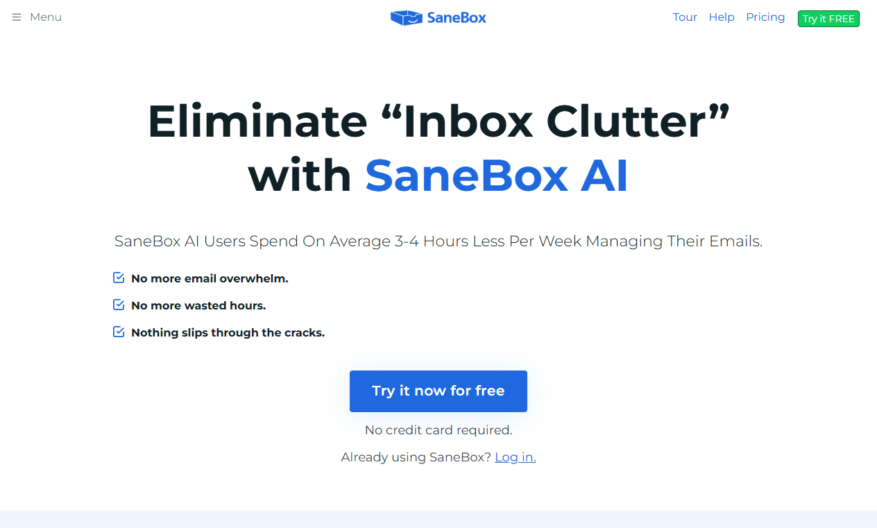
Sanebox is an AI-powered email management tool that helps users prioritize important emails, eliminate spam, and automate repetitive tasks. It integrates with popular email providers like Gmail, Outlook, and Yahoo, and uses machine learning algorithms to identify and filter out unimportant emails. Sanebox also offers features...
Sanebox is an AI-powered email management tool that helps users prioritize important emails, eliminate spam, and automate repetitive tasks. It integrates with popular email providers like Gmail, Outlook, and Yahoo, and uses machine learning algorithms to identify and filter out unimportant emails. Sanebox also offers features like email reminders, auto-responders, and customizable filters, allowing users to customize their email experience and increase productivity. With a user-friendly interface and customizable settings, Sanebox is an effective solution for individuals and businesses looking to streamline their email workflow.
Automatically filters out unimportant emails and summarizes them for easy review.
Identifies and moves irrelevant emails to a "SaneBlackHole" folder for deletion.
Uses AI-powered algorithms to learn user behavior and adapt to their needs.
Provides a "SaneRemind" feature to remind users about important unread emails.
Offers a "SaneSnooze" feature to temporarily remove emails from the inbox.
Includes a "SaneCC" feature to prevent unnecessary CC's and BCC's.
Provides a "SaneDigest" feature to summarize long email threads into one message.
Offers a "SaneAttachments" feature to automatically save attachments to the cloud.
You Got Questions,We Got Answers
What is Sanebox?
Sanebox is an AI-powered email management tool that helps you prioritize important emails, automate repetitive tasks, and reduce email noise, allowing you to focus on what matters most
How does Sanebox work?
Sanebox uses artificial intelligence to analyze your email behavior and identify patterns, then applies filters to categorize emails into folders, such as @SaneBlackHole for spam and @SaneLater for non-essential emails
Is Sanebox compatible with my email provider?
Sanebox is compatible with most email providers, including Gmail, Outlook, Yahoo, and iCloud, and can be set up in just a few minutes with our easy-to-follow instructions
How does Sanebox filter out spam?
Sanebox uses a combination of machine learning algorithms and human input to identify and filter out spam emails, ensuring that only relevant emails reach your inbox
Can I customize Sanebox to fit my needs?
Yes, Sanebox allows you to customize filters, create custom folders, and set up automated workflows to fit your specific email management needs and preferences
Will Sanebox read or store my email content?
No, Sanebox does not read or store your email content, and all data is encrypted and protected with bank-level security, ensuring the highest level of privacy and security
How much does Sanebox cost?
Sanebox offers a range of pricing plans, including a free trial, to fit different needs and budgets, with options starting at just $7 per month for individuals and discounts for teams and businesses
Is Sanebox available on mobile devices?
Yes, Sanebox is accessible on-the-go through our mobile apps for iOS and Android, allowing you to manage your emails and stay productive from anywhere, at any time
Use cases
Healthcare
Sanebox helps medical billing companies filter out irrelevant emails from patients and insurance companies, allowing them to focus on processing claims and reducing administrative costs
Finance
Wealth management firms use Sanebox to automatically categorize and prioritize emails from clients, ensuring timely responses to investment inquiries and reducing the risk of missed opportunities
Retail
E-commerce companies rely on Sanebox to filter out spam and promotional emails from suppliers, allowing them to focus on managing inventory and fulfilling customer orders
Manufacturing
Sanebox helps manufacturing companies streamline communication with suppliers and distributors, reducing email noise and enabling more efficient production planning and logistics
Marketing
Digital marketing agencies use Sanebox to automatically organize and prioritize emails from clients, ensuring timely campaign launches and reducing the risk of miscommunication
Education
Universities and online course providers use Sanebox to filter out irrelevant emails from students and faculty, enabling them to focus on providing high-quality educational support and resources
Traffic and Engagement
Mar 2026 - May 2026
World wide
Monthly visitors (May)
135.8k
Page/Visit
2.5
Visit Duration
1m 2s
Bounce Rate
0.6%
Pricing
Freemium
$2.04
SaneBox Embeds
Copied!
Let your community know you're live on Skillcurb! Just drop a badge on your site’s homepage with just a few clicks. Showcasing the badge helps increase your visibility and connects you with users actively exploring top AI tools.