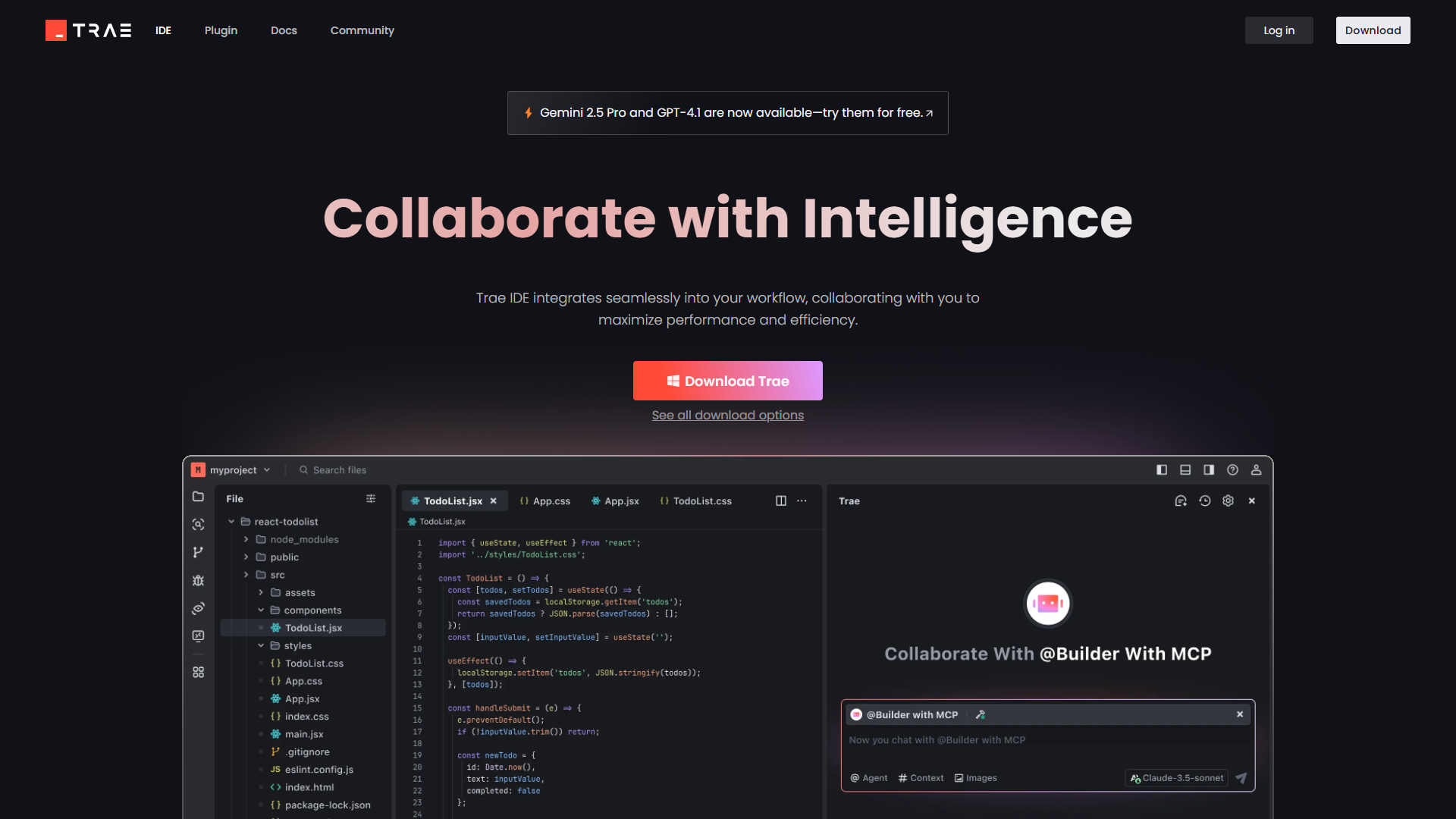
Trae is an adaptive development environment that streamlines software development workflows. It provides tools like task breakdown, code analysis, and real-time assistance via Builder and Chat modes. Supporting various programming languages and integrating with popular development tools, Trae automates repetitive tasks, debugs code, and enhances productivity....
Trae is an adaptive development environment that streamlines software development workflows. It provides tools like task breakdown, code analysis, and real-time assistance via Builder and Chat modes. Supporting various programming languages and integrating with popular development tools, Trae automates repetitive tasks, debugs code, and enhances productivity. Free to use, it’s accessible to developers of all experience levels, making it ideal for improving workflow efficiency.
Collaborates with developers to accelerate coding tasks.
Integrates with various development tools and platforms.
Provides real-time code suggestions and feedback.
Enhances coding efficiency and productivity.
Facilitates learning through intelligent code assistance.
You Got Questions,We Got Answers
What is Trae AI
Trae AI is an adaptive AI-powered IDE designed to transform developer workflows by automating repetitive tasks and enhancing coding efficiency
How does Trae AI help developers
It acts as an intelligent partner providing real-time code suggestions visual input understanding and task automation to streamline development
Can Trae AI handle Chinese development
Yes Trae offers native support for Chinese developers ensuring seamless integration in local development environments
Is Trae AI suitable for beginners
Yes its intuitive design and AI collaboration features make it accessible even for less experienced developers
Does Trae AI support AI chat
Yes it includes an AI Chat feature allowing users to interact with the AI via keyboard shortcuts for code suggestions
What makes Trae AI unique
Its deep integration into IDEs and focus on collaboration sets it apart from traditional code editors or plugins
Is Trae AI available globally
Yes though launched primarily for Chinese developers it aims to serve a global audience with its advanced capabilities
How does Trae AI enhance productivity
By automating grunt work and anticipating coding needs it allows developers to focus on innovation and problem-solving
Use cases
Software Development
GitHub Copilot accelerates coding by providing real-time suggestions and adapting to unique developer needs, enabling faster and smarter code creation directly within IDEs like Visual Studio Code
DevOps
The tool streamlines workflows by integrating with third-party extensions, allowing developers to check logs, toggle features, and deploy apps without leaving their environment
Onboarding
New developers benefit from Copilot’s ability to explain existing code and suggest solutions, reducing the learning curve during onboarding
Open Source
As an AI pair programmer, Copilot supports multiple programming languages and fosters innovation by helping developers focus on problem-solving rather than repetitive tasks
IT Support
Copilot assists in debugging and optimizing code, empowering teams to resolve technical issues efficiently while maintaining productivity
Research
Engineering teams leverage Copilot’s machine learning capabilities to explore advanced coding practices, improving development speed and accuracy
Admin
With its availability across popular IDEs, Copilot ensures seamless adoption and enhances operational efficiency for diverse development ecosystems
Traffic and Engagement
Jan 2026 - Mar 2026
World wide
Monthly visitors (March)
3.7m
Page/Visit
3.6
Visit Duration
3m 2s
Bounce Rate
0.4
Pricing
Free
$0
Trae Embeds
Copied!
Let your community know you're live on Skillcurb! Just drop a badge on your site’s homepage with just a few clicks. Showcasing the badge helps increase your visibility and connects you with users actively exploring top AI tools.