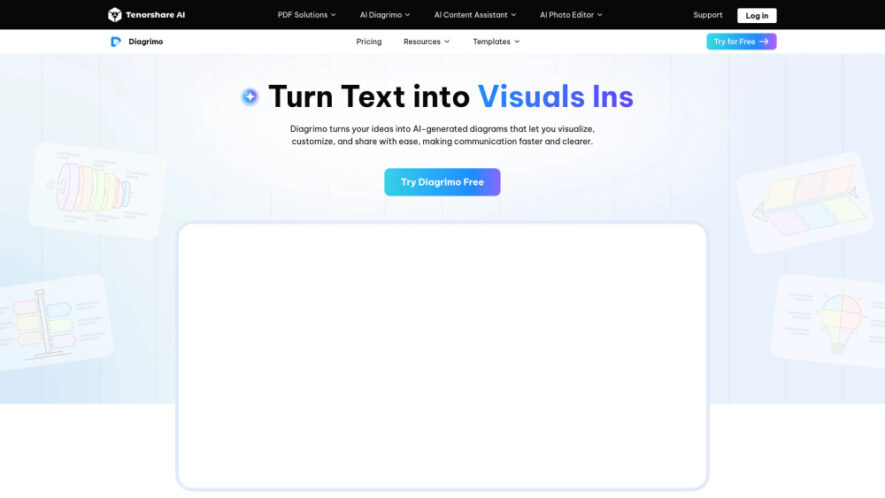
Diagrimo is an AI-powered visualization platform that converts text, ideas, and concepts into structured diagrams, charts, and infographics within seconds. It combines intelligent diagram generation with an integrated AI writing assistant to improve grammar, refine content, and organize information effectively. With customizable templates, real-time collaboration, and...
Diagrimo is an AI-powered visualization platform that converts text, ideas, and concepts into structured diagrams, charts, and infographics within seconds. It combines intelligent diagram generation with an integrated AI writing assistant to improve grammar, refine content, and organize information effectively. With customizable templates, real-time collaboration, and flexible export options, Diagrimo helps individuals, educators, teams, and businesses communicate complex ideas through clear, engaging visual presentations.
Convert text into professional diagrams and infographics using advanced artificial intelligence instantly.
Customize templates, layouts, colors, and styles for visually appealing professional presentations easily.
Collaborate with teammates in real time for faster project planning and editing.
Export diagrams as PNG or PDF for presentations, reports, and documentation effortlessly.
Improve grammar, tone, and writing clarity using integrated AI writing assistance tools.
Generate flowcharts, pyramids, mind maps, and structured diagrams from simple text inputs.
Brainstorm ideas with AI assistance before transforming concepts into organized visual content.
Share completed diagrams instantly through links for seamless collaboration and communication online.
You Got Questions,We Got Answers
1. What is Diagrimo and how does it work?
Diagrimo is an AI-powered visualization platform that transforms text into structured diagrams, charts, and infographics. It analyzes your content, organizes information intelligently, and creates professional visuals that simplify communication and planning.
2. Is Diagrimo free for creating AI-powered diagrams?
Yes, Diagrimo offers a free plan with daily credits for regular use. Paid subscriptions provide additional usage limits, early access to new features, enhanced collaboration capabilities, and priority customer support.
3. How can users create diagrams using Diagrimo easily?
Users simply enter or paste text into the editor, or brainstorm with the AI assistant. Diagrimo automatically generates diagrams that can be customized, refined, shared, or exported in multiple formats.
4. What makes Diagrimo's AI writing assistant particularly useful?
The integrated AI assistant improves grammar, corrects spelling, adjusts writing tone, expands ideas, simplifies content, and translates text. This combination enhances both written communication and visual presentation quality.
5. Which diagram types can Diagrimo generate automatically from text?
Diagrimo intelligently creates flowcharts, fishbone diagrams, pyramids, mind maps, organizational structures, and other visual formats based on the meaning and structure of your input content.
6. Can teams collaborate together on Diagrimo projects in real time?
Yes, Diagrimo supports real-time collaboration, allowing multiple team members to edit, review, brainstorm, and improve diagrams simultaneously, making teamwork faster and more efficient for shared projects.
7. Which export formats does Diagrimo support for completed diagrams?
Users can export completed visuals as PNG images or PDF documents. These formats make diagrams suitable for presentations, reports, educational materials, business documentation, and online sharing.
8. Will Diagrimo continue adding new AI visualization capabilities?
Yes, Diagrimo is continuously evolving with enhanced AI visualization technology, expanded template collections, improved collaboration tools, and additional intelligent features designed to simplify content creation and visual communication.
Use cases
Presentations
Create engaging visual presentations that simplify ideas, improve audience understanding, and enhance professional communication effectiveness.
Collaboration
Enable teams to brainstorm, edit, and organize visual projects together with real-time collaborative workflows.
Blogging
Transform complex blog concepts into attractive diagrams and infographics that improve reader engagement and comprehension.
Education
Simplify lessons, explain difficult concepts visually, and create interactive educational materials for better student understanding.
Marketing
Design compelling infographics and branded visuals that communicate messages clearly across marketing campaigns and promotions.
Reporting
Present business insights, analytics, and project updates through organized diagrams for clearer decision-making and communication.
Planning
Organize workflows, strategies, processes, and project roadmaps into structured diagrams for efficient execution and management.
Research
Visualize research findings, relationships, and data structures to improve analysis, documentation, and knowledge sharing.
Traffic and Engagement
Jun 2026 - Aug 2026
World wide
Monthly visitors (August)
331.1k
Page/Visit
1.95
Visit Duration
36s
Bounce Rate
44.20%
Pricing
Freemium
$9.99
Diagrimo Embeds
Copied!
Let your community know you're live on Skillcurb! Just drop a badge on your site’s homepage with just a few clicks. Showcasing the badge helps increase your visibility and connects you with users actively exploring top AI tools.