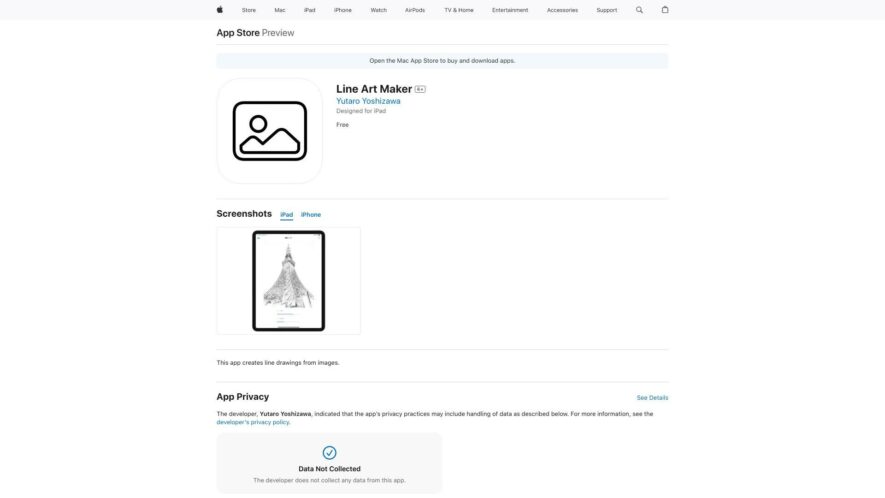
Line Art Maker is a digital drawing tool that helps users create stunning line art from their favorite photos. With a user-friendly interface, this app allows you to convert your images into beautiful line art, offering various customization options such as line thickness, color, and texture....
Line Art Maker is a digital drawing tool that helps users create stunning line art from their favorite photos. With a user-friendly interface, this app allows you to convert your images into beautiful line art, offering various customization options such as line thickness, color, and texture. You can also adjust the level of detail and abstraction to achieve the desired effect. Share your artwork on social media or use it as a wallpaper, making it a great tool for artists, designers, and anyone looking to add a creative touch to their digital content.
Create stunning line art with customizable brush sizes and styles.
Easily import photos to convert into line art.
Adjust line thickness and opacity for unique effects.
Convert images to line art with advanced algorithms.
Save and share high-resolution line art creations.
Import images from camera roll or take new photos.
Advanced editing tools for precision and control.
Supports both portrait and landscape image orientations.
You Got Questions,We Got Answers
What is Line Art Maker?
Line Art Maker is a digital drawing tool that allows users to create stunning line art and illustrations with ease, featuring a range of customizable brushes, shapes, and effects to enhance their artwork
How do I get started?
To get started, simply download and install Line Art Maker from the App Store, then launch the app and start creating - you can choose from various templates, or start from scratch and experiment with different tools and features
Can I share my artwork?
Yes, you can easily share your line art creations on social media, via email, or messaging apps, or save them to your camera roll - the app also supports exporting in various formats, including PNG, JPEG, and PDF
What kind of brushes are available?
Line Art Maker offers a diverse range of customizable brushes, including pens, pencils, markers, and more, each with its own unique characteristics and adjustable settings, allowing for endless creative possibilities
Can I undo and redo changes?
Yes, the app features a robust undo and redo system, allowing you to experiment with different techniques and correct any mistakes without worrying about losing your work - simply tap the undo or redo buttons to navigate through your editing history
Is Line Art Maker suitable for beginners?
Absolutely, Line Art Maker is designed to be user-friendly and accessible to artists of all skill levels, with an intuitive interface and gentle learning curve, making it an ideal tool for beginners and professionals alike
How do I access tutorials and guides?
You can access a range of interactive tutorials and guides within the app, providing step-by-step instructions and tips to help you get the most out of Line Art Maker and improve your line art skills
Will Line Art Maker work on my device?
Line Art Maker is optimized for iOS devices, including iPhones and iPads, and requires iOS 14.0 or later to run smoothly - please check your device's compatibility before downloading and installing the app
Use cases
Fashion
Create bespoke fashion illustrations for marketing campaigns, social media, and e-commerce platforms, showcasing clothing and accessories in a unique, hand-drawn style, increasing brand recognition and appeal
Architecture
Transform 2D floor plans into visually stunning line art, helping architects and designers communicate their vision to clients, and facilitating a more engaging and interactive design process
Education
Develop interactive and engaging educational materials, such as diagrams, illustrations, and infographics, to help students better understand complex concepts, and make learning more enjoyable and effective
Gaming
Design unique, stylized characters, environments, and props for mobile and PC games, creating an immersive gaming experience, and setting games apart from competitors in a crowded market
Publishing
Create eye-catching book covers, illustrations, and graphics for novels, magazines, and children's books, capturing the essence of the story, and enticing readers to engage with the content
Advertising
Produce attention-grabbing line art advertisements, posters, and billboards, conveying key messages, and increasing brand awareness, by leveraging the power of simple, yet impactful visuals
Traffic and Engagement
Apr 2026 - Jun 2026
World wide
Monthly visitors (June)
112.9m
Page/Visit
1.6
Visit Duration
50s
Bounce Rate
0.8%
Pricing
Free
$0
Line Drawing Creator Embeds
Copied!
Let your community know you're live on Skillcurb! Just drop a badge on your site’s homepage with just a few clicks. Showcasing the badge helps increase your visibility and connects you with users actively exploring top AI tools.